Last updated:
Disclosure: As an Amazon Associate we earn from qualifying purchases. This does not change what we recommend. See our affiliate disclaimer.
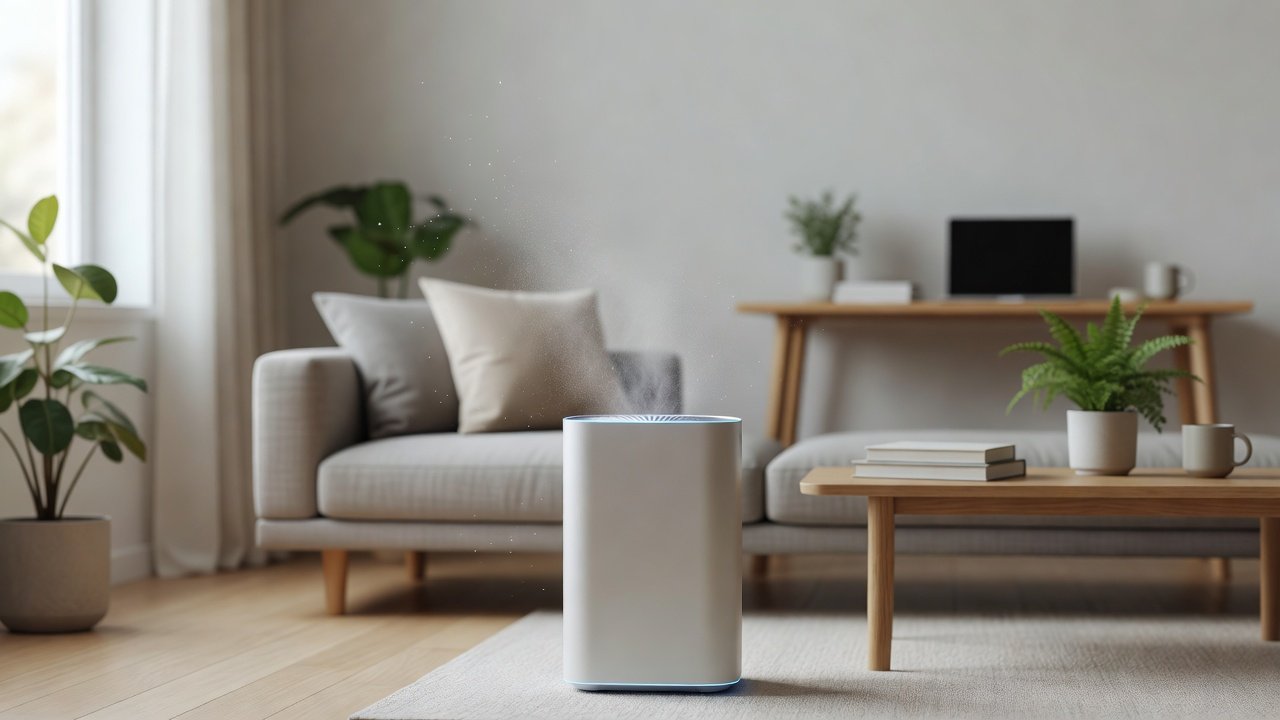
An air purifier should capture dust, not blow it out. If you see dust coming from the unit, the cause may be a poorly seated or damaged filter that lets air bypass, a clogged filter that loses capacity, packaging or debris in the unit, dust on the exhaust grille or very dusty surroundings that shed particles near the unit. Clean the area, reseat or replace filters and check the unit’s interior and grilles. If dust persists, contact the manufacturer because the unit may have a defect.
We have not tested these products ourselves, so follow your manual. Nothing here is medical advice.
Check first
- Filter seating and condition
- Packaging and debris
- Dust on grilles and nearby surfaces
Then
- Clean the room
- Replace filters
- Contact support
Key Takeaways
- Reseat and inspect filters
- Clean grilles and surroundings
- Replace damaged or clogged filters
- Contact support if dust persists
A Thorough Dust Check
Unplug the unit and remove the filters. Inspect them for tears, gaps and heavy loading. Vacuum the filter compartment and wipe the interior with a dry cloth. Check the gasket and the edges where the filter sits. Reinstall the filters in the correct order and direction and close the cover firmly. Wipe the exterior and exhaust grille. Run the unit for an hour on low in a clean room and watch for dust. If you still see dust, try replacing the filters with genuine ones and check the unit’s warranty. Keep photos of the dust and filters to share with support. Check other sources of dust in the room, such as nearby vents or open windows, and address them.
Distinguishing Dust From the Unit and Dust Already in the Room
Sometimes dust settles near the unit because of airflow patterns. Clean the area and see whether dust returns. Place a clean cloth near the outlet for a day to see what collects.
Preventing Filter Bypass
Use filters designed for your unit and avoid forcing parts. Replace worn gaskets as advised.
Allergy Considerations
Dust can trigger symptoms. Clean the room, wear a mask when changing filters and consider help if you are sensitive.
Maintenance Habits
Clean pre-filters monthly, replace main filters on schedule and vacuum around the unit weekly.
When to Contact Support
Share model, purchase date and photos if dust persists with correct installation.
Replacing the Unit
If problems continue and the unit is old, consider replacement with a model with good seals and support.
Handling Dust Safely During Filter Changes
Dust released during filter changes can trigger symptoms. Change filters in a ventilated area, avoid shaking them and hold them by the frame. Wear a mask and gloves if you are sensitive. Place the old filter in a bag immediately and seal it. Vacuum the filter compartment with a soft brush and wipe the area. Wash your hands afterward. If you notice a lot of dust when you open the unit, check how long it has been since the last cleaning and whether the room has sources such as construction or heavy shedding. Adjust your maintenance schedule if you see recurring problems. Keep notes on filter dates and dust levels so you can spot trends.
Dust From New Units: What Is Normal
A small amount of fine dust from new filters or carbon is common. It usually settles quickly. If you see continuing dust after a few days, check the seating and contact support.
Using a Pre-Filter Cover
Some units accept pre-filter covers or sleeves. Check the manual before using accessories, because they can reduce airflow.
Room Cleaning Strategies
Damp-dust surfaces, vacuum with a sealed HEPA vacuum and wash fabrics to lower dust in the room, so the unit has less to handle.
Quick Checklist for Dust Problems
Unplug and inspect the filters, vacuum the compartment, reseat filters in the right order and direction, wipe grilles and exhaust, replace damaged or old filters, check for packaging, clean the room and watch for dust over the next day or two. If dust continues, take photos, note the model and contact support. Do not run a unit that smells hot or burns. Keep spare filters and a short log of cleanings so you can spot patterns and prevent repeat problems.
Choosing a Better-Sealed Unit
Look for units with clear gaskets, secure filter doors and good reviews on build quality. Check the warranty and support. A well-sealed unit reduces dust bypass and improves performance.
Why Dust Comes Out Instead of In
A purifier that blows dust out of its outlet is bypassing or shedding: the filter is missing, still wrapped, torn, installed backwards, or not seated, so unfiltered air passes straight through; or a heavily loaded filter is shedding captured dust when the fan starts; or dust inside the housing from a long period without a pre-filter is being blown out. In each case the fix is at the filter stage, not the fan.
Unplug the unit and inspect every filter before running it again.
Fixes
- Remove plastic film and packaging from new filters
- Install filters in the correct orientation and push them flush
- Replace torn, crushed, or heavily loaded HEPA filters
- Fit a pre-filter if one is missing
- Vacuum the empty compartment and wipe the outlet grille
- Check the door latches so no gap lets air bypass
Run the unit on high in a ventilated room for a few minutes after cleaning to clear residual dust.
Preventing a Repeat
Use genuine filters that seat properly, keep the pre-filter clean so the HEPA does not overload, replace the HEPA when it greys, and handle filters by the frame to avoid tearing the media. A unit that has blown dust once will not do so again if the filter stage is kept intact and seated.
Air Purifiers With HEPA and Carbon Filters
If troubleshooting does not solve the problem, you may prefer to replace the unit. These picks come from the Hostinger affiliate plugin. Specs change by model year, so confirm filter type, CADR, noise and replacement filter costs on the product page.






Filter Seating and Bypass
If the filter is not seated, air can bypass it and carry dust through. Reinstall filters correctly and make sure covers close properly.
Clogged or Damaged Filters
A clogged or torn filter loses effectiveness. Replace on schedule and check for damage.
New Unit or New Filter Dust
New filters can shed fine dust at first. Run the unit in a ventilated space and wipe the unit. Large amounts of dust suggest a problem.
Dust Around the Unit
Dust on grilles and nearby surfaces can look like the unit is blowing it out. Wipe the exhaust and surroundings.
Carbon Dust
Carbon filters may shed fine black dust. Handle gently and avoid shaking. Contact support if there is a lot.
Initial Break-In
Wipe the unit and run it in a ventilated room for a day or two when new.
Pre-Filter Maintenance
Clean the pre-filter regularly to avoid overload.
Room Dust Sources
Carpets, pets, construction and open windows add dust. Clean and reduce sources.
Gaskets and Seals
Check gaskets for damage and make sure they are in place.
When to Replace the Unit
If dust continues despite new filters, consider support or replacement.
How to Choose
- True HEPA filtration
- Good filter seals
- Easy filter access
- Reliable support
Do
- Match the unit’s rated coverage to your room first
- Run it consistently, not only when the air feels bad
- Leave space around the unit for airflow
- Replace filters on the maker’s schedule
Don’t
- Do not buy on looks or price alone
- Do not block the intake or exhaust
- Do not skip filter changes
- Do not expect a purifier to fix every source of pollution
Honest Limits
- This guide uses manufacturer information and public guidance from the EPA and AHAM, not our own lab tests.
- Features and room ratings change between model years, so confirm on the listing before you buy.
- A purifier is not a medical device and does not replace medical advice or treatment.
Who Should Skip This
When to See a Professional
Frequently Asked Questions
Why is dust coming out?
Filter bypass, damage or dust in the unit.
Is carbon dust normal?
A little when new.
Should I wash the filter?
Only if the manual says so.
Is it a defect?
If it persists with correct filters.
Bottom Line
If a purifier seems to blow dust, check filter seating, damage and clogs, clean grilles and surroundings and replace filters on schedule. Contact support if dust persists, since bypass or defects may be involved.
Related reading: sens,fan,bed
Sources: EPA, Guide to Air Cleaners in the Home; AHAM Verifide.