Last updated:
Disclosure: As an Amazon Associate we earn from qualifying purchases. This does not change what we recommend. See our affiliate disclaimer.
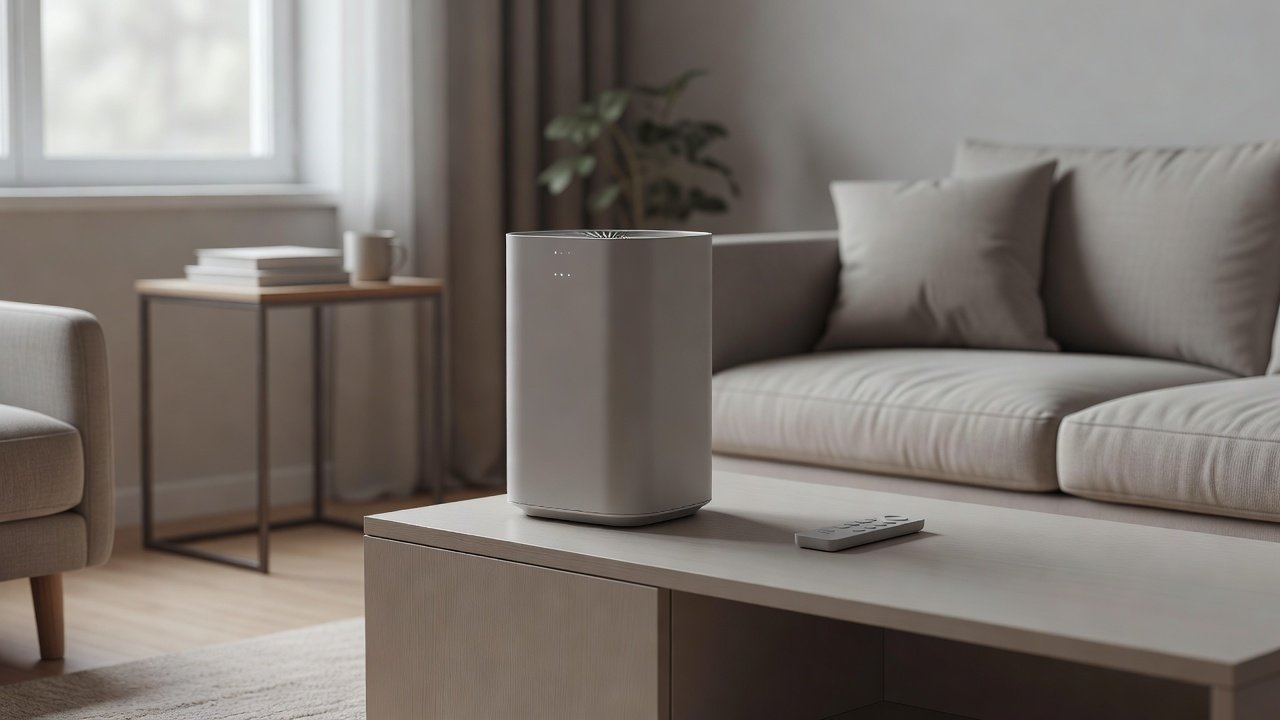
A remote that stops working is usually a small issue: dead or incorrectly inserted batteries, a blocked sensor, interference, a remote that has lost pairing or a unit in a mode that ignores the remote. Start with fresh batteries, clear line of sight and testing the unit’s buttons. If the unit works but the remote does not, try resetting or re-pairing, check for infrared interference from bright lights or other devices and look for damage or dirt on the remote’s contacts. If neither works, the problem may be the unit’s receiver or controls.
We have not tested these products ourselves, so follow your manual. Nothing here is medical advice.
Check first
- Fresh batteries and correct orientation
- Line of sight to the receiver
- Unit buttons work
Then try
- Re-pair or reset
- Clean contacts
- Contact support for a replacement
Key Takeaways
- Replace batteries first
- Keep a clear line of sight
- Re-pair or reset if needed
- Use the unit’s buttons to test
A Simple Test Routine for Remotes
Insert fresh batteries and make sure the contacts are clean. Stand a meter or two from the unit and point the remote directly at the receiver. Press a button and watch the unit’s display or listen for a beep. If nothing happens, try a smartphone camera: many phone cameras show the infrared light from a remote as a faint glow when you press a button. If the remote lights up but the unit does not respond, the receiver may be blocked or faulty. Test the unit’s own buttons to confirm. Try pairing or resetting following the manual. If you suspect interference, turn off nearby lights or move the unit. Record what you tried and contact support with your model.
Remote Types: Infrared and Radio
Infrared remotes need line of sight. Radio remotes need pairing and may work through obstacles. Know which your unit uses.
Battery Types and Storage
Use the right battery type. Avoid mixing old and new batteries. Remove batteries if the remote will not be used for a long time.
Receivers and Covers
Dust or decals over the receiver can block signals. Clean gently and avoid covering it.
Sleep Mode and Lights
Some units ignore remotes when in specific modes or when lights are off. Check the manual.
Replacing the Remote or Unit
If the remote is lost or damaged, order a compatible replacement. If the unit is old and the receiver is faulty, consider replacement.
Using Apps and Voice Control
If your unit supports apps or voice assistants, use them temporarily.
Troubleshooting Order That Saves Time
Work from simplest to most complex. First, confirm the unit has power and its own buttons respond. Second, swap in fresh batteries and clean the battery contacts. Third, test the remote with a phone camera to see whether it emits infrared light. Fourth, remove sources of interference such as bright sunlight, strong lamps or other remotes. Fifth, follow the manual to reset the unit and, if your model uses radio pairing, pair the remote again. Sixth, contact support with the model number and what you have tried. Going in this order avoids replacing parts that were never broken and gives support the information they need to help you quickly.
Using the Unit Without a Remote
Most purifiers can run entirely from the control panel. Set a medium fan speed, use auto mode if available and keep a note of the settings you prefer. If you rely on the remote for timers or sleep mode, check whether an app offers the same controls, or ask support whether a replacement remote is sold.
Households With Several Remotes
Televisions, fans and other devices can send similar infrared signals. If more than one device responds to a remote, move the units apart or point more precisely at the purifier. Label remotes to avoid mix-ups.
Preventing Future Problems
Store the remote in a drawer or holder, avoid dropping it and replace batteries once a year. Keep a spare set and note the model number somewhere handy.
Start With the Obvious
- Replace the remote’s batteries, even if they seem fine
- Check the battery orientation and that the contacts are clean
- Point the remote at the unit’s receiver, usually a small dark window on the front
- Remove anything blocking the line of sight
- Check the unit is powered and not in a child lock or sleep mode that ignores the remote
Batteries and line of sight resolve most remote problems.
Testing the Remote
Point the remote at a phone camera and press a button; most phone cameras show the infrared LED flashing on screen. If it flashes, the remote is sending and the unit is not receiving. If it does not, the remote itself has failed or the batteries are dead. This two-minute test tells you which half to fix.
The Unit Side
Clean the receiver window with a dry cloth; dust and fingerprints block it. Strong sunlight or bright LED lighting shining on the receiver can swamp the signal; move the unit or shade the window. A power cycle clears a receiver that has stopped responding. If the panel buttons work but the remote never does with a confirmed-working remote, the receiver has failed; contact the manufacturer.
Replacing the Remote
Manufacturers sell replacements for many models; search by the model number on the base label. Universal remotes rarely work with purifiers. If the unit has an app, the app often replaces the remote entirely. Keep the remote away from heat and moisture and remove batteries if storing the unit.
Final Word
Batteries and line of sight resolve most remote problems; a phone camera shows whether the remote is sending. Clean the receiver window, shade it from bright light, and power-cycle the unit. A confirmed-working remote that the unit ignores means the receiver has failed.
Air Purifiers With Reliable Controls
If troubleshooting does not solve the problem, you may prefer to replace the unit. These picks come from the Hostinger affiliate plugin. Specs change by model year, so confirm filter type, CADR, noise and replacement filter costs on the product page.






Batteries and Contacts
Replace batteries with fresh ones and check polarity. Clean the contacts with a dry cloth and remove corrosion if present.
Line of Sight and Range
Many remotes use infrared and need a clear line to the receiver. Point directly at the unit and stay within a few meters.
Interference
Bright light, other remotes and some LED bulbs can interfere. Try dimming lights or moving closer.
Pairing and Reset
Radio remotes may need re-pairing. Follow the manual to reset the unit and the remote.
Check the Unit’s Controls
If the unit’s buttons also do not work, the issue may be the control board. Contact support.
Replacement Remotes
Check compatibility and buy from reputable sources. Match model numbers.
Dirt and Damage
Wipe the remote and check for cracks, sticky buttons or water damage.
Smart Alternatives
If your unit has an app, use it as a backup.
Child Locks and Modes
Check that the unit is not in a locked mode.
Warranty
Ask support about a replacement remote.
How to Choose
- Physical controls on the unit
- Reliable remote or app
- Clear manual
- Good support
Do
- Match the unit’s rated coverage to your room first
- Run it consistently, not only when the air feels bad
- Leave space around the unit for airflow
- Replace filters on the maker’s schedule
Don’t
- Do not buy on looks or price alone
- Do not block the intake or exhaust
- Do not skip filter changes
- Do not expect a purifier to fix every source of pollution
Honest Limits
- This guide uses manufacturer information and public guidance from the EPA and AHAM, not our own lab tests.
- Features and room ratings change between model years, so confirm on the listing before you buy.
- A purifier is not a medical device and does not replace medical advice or treatment.
Who Should Skip This
When to See a Professional
Frequently Asked Questions
Why does the remote not respond?
Batteries, interference or pairing.
Can I use another remote?
Only if compatible.
Does the unit work without it?
Usually via buttons.
Where do I get a replacement?
From the manufacturer or approved sellers.
Bottom Line
If the remote does not work, replace batteries, ensure a clear line of sight, reduce interference, re-pair if needed and test the unit’s buttons. Contact support if neither the remote nor the unit responds.
Related reading: sens,fan,bed
Sources: EPA, Guide to Air Cleaners in the Home; AHAM Verifide.