Last updated:
Disclosure: As an Amazon Associate we earn from qualifying purchases. This does not change what we recommend. See our affiliate disclaimer.
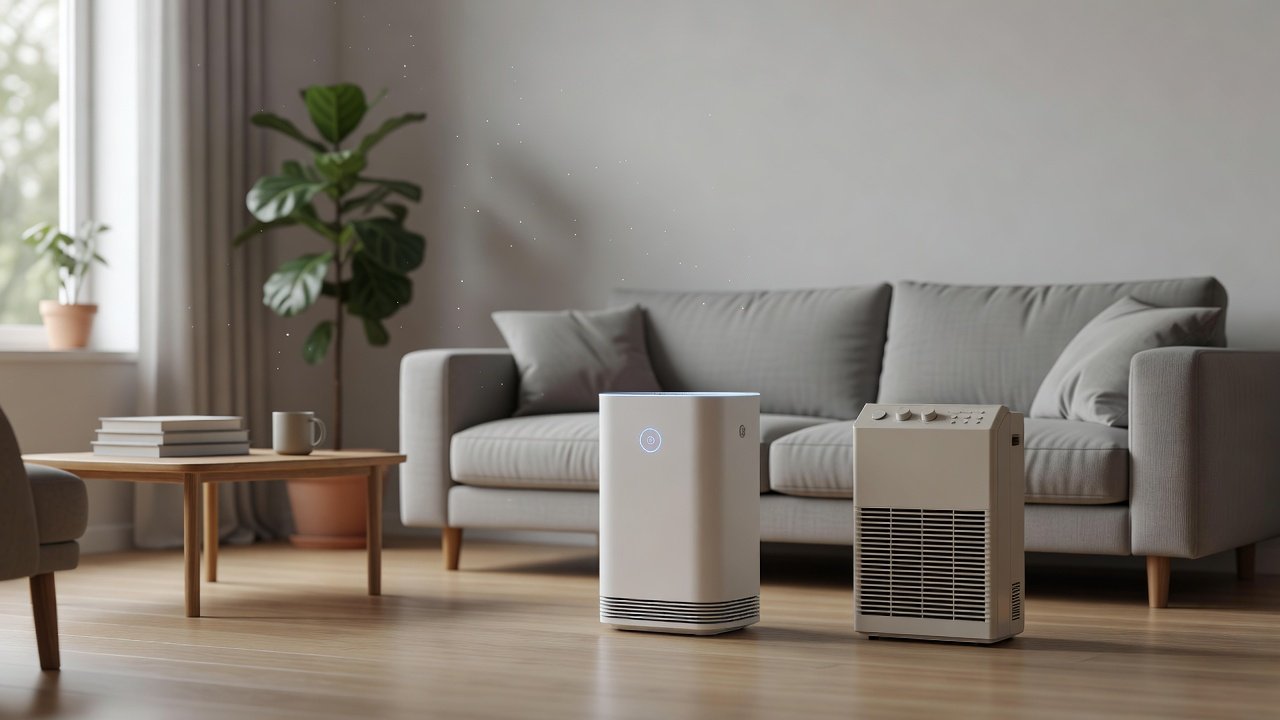
Many air purifiers now connect to Wi-Fi and a phone app. You can turn the unit on from the couch, set schedules, check the filter life and view air quality readings. It is convenient, but it does not change the core job of the purifier: moving air through a filter. The question is whether the extra features are worth the added complexity for you.
This guide compares app-controlled and standard purifiers, covers the benefits and trade-offs, including privacy and reliability, and helps you decide. We have not tested these products ourselves, and models change, so confirm specifications on the product page.
An app is handy for
- Schedules and remote on/off
- Checking filter life at a glance
- Tracking air quality trends
Standard is fine when
- You prefer simple buttons
- You do not want another connected device
- You will set it once and leave it
Key Takeaways
- An app adds convenience such as schedules and remote control; it does not change cleaning performance.
- Check that the unit works fully with its physical buttons if the app or Wi-Fi fails.
- Read the privacy policy of any connected device.
- Auto mode and sensors can also be found on non-app units.
Sensors, Auto Mode and Trusting the Numbers
Air quality readings in an app look precise, but they come from a small optical sensor that estimates particle concentration. Such sensors can be affected by humidity, by the size of the particles and by aerosols such as cooking oil, hairspray and steam. A reading that jumps when you make toast does not mean your air is dangerous; it means the sensor detected a plume. Use the readings to notice trends and to see the effect of closing windows or running the unit, not as a health measurement.
Auto mode follows these readings. In a clean room it may lower the fan to a quiet speed; when cooking begins it ramps up. That is helpful, but some people dislike the changing noise at night, so check that you can set a fixed speed or turn auto mode off. If you rely on auto mode, clean the sensor window as the manual describes, since dust on it can skew results.
A Setup Routine That Keeps It Simple
If you choose an app-controlled unit, keep the setup tidy. Create the account with a strong, unique password, name the device by room, and set a schedule that matches your habits, such as low speed overnight and medium during the day. Turn off notifications you will not read, but keep the filter reminder on.
Check that the unit works when you press its buttons, so that you are never dependent on the app. Write the filter install date on the unit or in a calendar, and inspect the filter yourself every month or two. Technology can help with convenience, but a clean filter and a correctly sized unit do the real work.
Who Should Choose Which
Choose an app-controlled purifier if you like to automate your home, if you want remote control of a unit in a room you rarely enter, or if you want a record of air quality over time. It also suits people who would otherwise forget filter changes, since the reminder arrives on their phone. Check that the app has good recent feedback and that the company has a record of updating it.
Choose a standard purifier if you want the simplest possible appliance, if you are cautious about connected devices, or if you are buying for someone who is not comfortable with apps. A unit with clear buttons, a few speeds and a sleep mode is easy for everyone in the household to use, and it keeps working without accounts or updates. Many people find that after the first week they never touch the controls again. In that case the money and complexity saved on the app can go toward a better filter or a unit sized correctly for the room, which makes a bigger difference to the air.
Either way, confirm the specifications on the current product page, because features and app support vary by model and change over time.
Air Purifiers to Compare
The table below lists purifiers from our affiliate partner. Compare smoke CADR, room size ratings and feature lists, and check the product page for app and Wi-Fi details.
Do Sensors and Auto Mode Help?
Many app-controlled units include a particle sensor and auto mode that adjusts the fan speed. This can lower noise and wear when the air is clean and raise airflow when it is not. Sensors are approximate and can react to cooking aerosols or spray products, so treat the readings as a guide.
Standard units may also have auto mode, so check the specifications. You do not need an app to benefit from a sensor.
App-Controlled vs Standard at a Glance
The table below summarizes the comparison.
| Factor | App-controlled | Standard |
|---|---|---|
| Remote control | Yes | No, or via remote |
| Schedules | Yes | Timer only, if any |
| Privacy | Account and data | No account |
| Longevity risk | App support needed | Low |
| Cleaning performance | Same filter and fan | Same filter and fan |
What the App Adds
Typical app features include remote on and off, fan speed control, timers and schedules, sleep mode settings, filter life tracking and a view of the unit’s air quality sensor. Some work with voice assistants. These save effort if the purifier is in a bedroom you do not want to walk into, or if you want it to run only at certain times.
They do not change filtration. A smart unit and a standard unit with the same filter and fan clean the same amount of air.
Trade-Offs to Consider
Apps depend on the manufacturer’s servers and software support. If the company stops updating the app, or your phone or router changes, features can stop working. A connected device also raises privacy questions about what data is collected, so read the privacy policy. Setup can be fiddly, and some units require a specific Wi-Fi band.
A standard unit with physical buttons works the same way for years, requires no account and does not need updates. If you value simplicity and independence, that is a strong argument for the standard option.
Everyday Uses That Make an App Worthwhile
An app earns its place when it fits a routine. If you want the purifier running in the bedroom an hour before bed, a schedule does that without effort. If you come home to a house that smells of cooking or a dusty garage, starting the unit from your phone before you arrive can help. If you manage a vacation rental or a parent’s home, remote visibility into filter life and operation is valuable.
Apps also show filter status in a clear way and may remind you to reorder. For people who forget maintenance, that nudge is useful. Some apps keep a history of sensor readings, which can reveal patterns such as pollution rising when you cook or when windows are open. Treat the data as indicative, not a measurement.
Setup, Wi-Fi and Reliability
Setup usually means downloading an app, creating an account and connecting the unit to your Wi-Fi network. Some units only work on a 2.4 GHz band, which can be a problem if your router combines bands. If setup fails, the unit may still work manually, but check this before you buy. Read recent user feedback on connection reliability, and be aware that ratings may mention both hardware and app problems.
Think about longevity. A purifier can last many years, but apps may not be supported that long. If the company stops supporting the app, you may lose remote features. A unit that keeps full local control through its buttons remains useful regardless.
Privacy and Security
A connected purifier sends data to the manufacturer’s servers, often including usage, device identifiers and sensor readings. Read the privacy policy to see what is collected and how it is used. Use a strong, unique password for the account, keep the app updated and consider placing smart devices on a guest network. These are general good practices for any connected device.
If privacy is an important concern for you, choose a standard unit or a smart unit that can be used without creating an account. The core job of cleaning the air does not need any of it.
Standard Units With Smart Touches
You may not need an app to get most of the convenience. Many standard purifiers offer a timer, a sleep mode, a dimmable display, a filter reminder and an auto mode with a sensor. A basic remote control, supplied with some units, gives you control from across the room. For many households, this is enough.
If you want voice control only, check whether a unit works with a voice assistant without a full app. Weigh each feature against how you would actually use it.
How to Decide
List what you really want: schedules, remote control, filter tracking, air quality history. If you will use at least one of these regularly, an app-controlled unit may be worth it. If you would set the speed once and forget it, a standard unit is simpler, often less expensive and has fewer things that can break.
Whichever you choose, size the unit by smoke CADR for the room, check the noise level, confirm filter availability and read the manual. Cleaning performance is decided by those things, not by the app.
How to Choose
- Choose by smoke CADR and filter first.
- Decide whether you will really use schedules and remote control.
- Read the privacy policy of any connected unit.
- Make sure the unit works without the app.
- Avoid ozone generating or ionizer modes; the EPA advises against ozone-emitting air cleaners.
Do
- Match the unit’s rated coverage to your room first
- Run it consistently, not only when the air feels bad
- Leave space around the unit for airflow
- Replace filters on the maker’s schedule
Don’t
- Do not buy on looks or price alone
- Do not block the intake or exhaust
- Do not skip filter changes
- Do not expect a purifier to fix every source of pollution
Honest Limits
- This guide uses manufacturer information and public guidance from the EPA and AHAM, not our own lab tests.
- Features and room ratings change between model years, so confirm on the listing before you buy.
- A purifier is not a medical device and does not replace medical advice or treatment.
Who Should Skip This
When to See a Professional
Choose smart features for convenience only after the fundamentals are met.
Frequently Asked Questions
Does an app make a purifier clean better?
No. Cleaning depends on the filter, airflow and room size.
Can I use it without the app?
Most units have physical controls, but check the specifications.
Are app-controlled purifiers less private?
They send data to the manufacturer, so read the privacy policy.
What if the app stops working?
You may lose remote features. A unit with local controls remains usable.
Do I need Wi-Fi?
Only for app features. Check whether it needs a 2.4 GHz network.
Is auto mode only on smart units?
No, many standard units have sensors and auto mode.
Is a schedule useful?
Yes, if you want it to run at set times, such as before bed.
Can I control it by voice?
Some units support voice assistants. Check the product page.
Are standard units more reliable?
They have fewer parts that depend on software, so there is less to fail.
Where do I confirm features?
On the product page, since models change.
Bottom Line
An app adds convenience, not cleaning power, so choose it only if you will use the features.
Make sure the unit still works fully with its buttons, and confirm specifications on the product page.
Related reading: sens,fan,bed
Sources: EPA, Guide to Air Cleaners in the Home; AHAM Verifide.