Last updated:
Disclosure: As an Amazon Associate we earn from qualifying purchases. This does not change what we recommend. See our affiliate disclaimer.
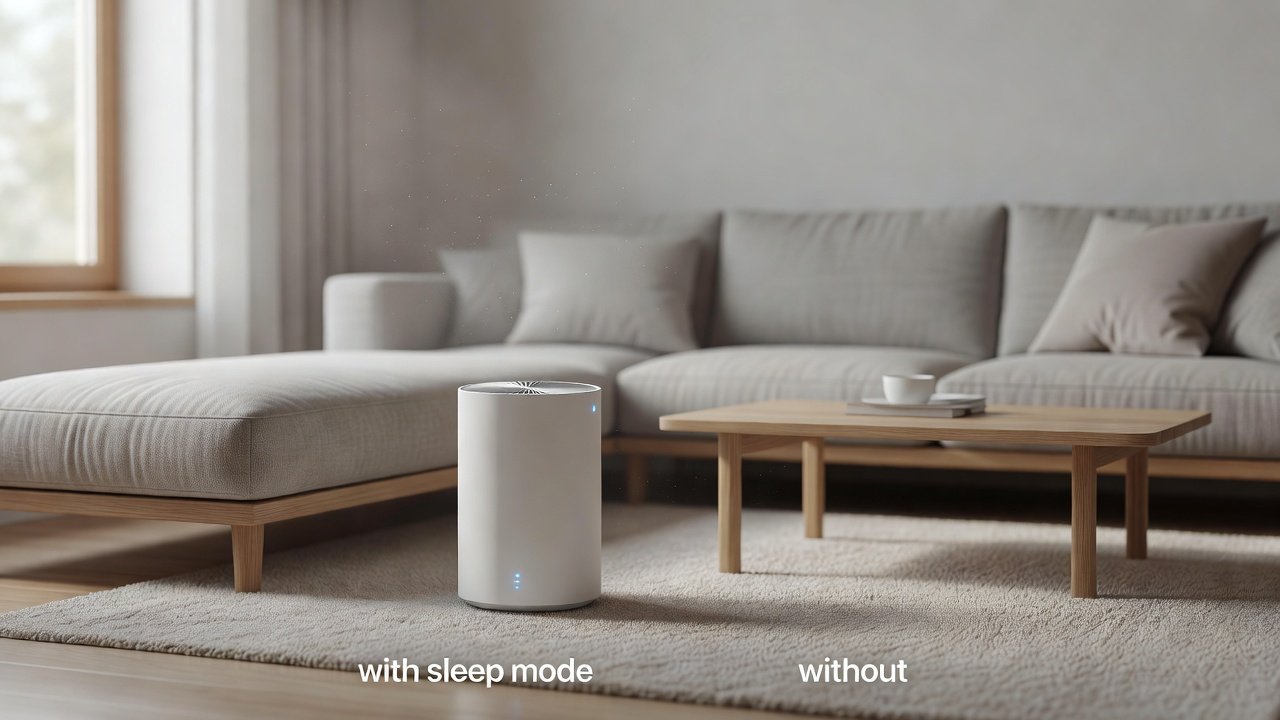
Because many people run an air purifier around the clock, a fair question is how much electricity it uses. The good news is that most home purifiers draw modest power, especially on low speeds. Sleep mode lowers the fan speed and so reduces energy use, but the saving is usually small in absolute terms. What matters more is choosing a correctly sized unit and running it sensibly.
This guide explains how purifier power draw works, what sleep mode changes, how to estimate your own running cost and which habits matter. We do not quote electricity prices, which vary by region. We have not tested these products ourselves, and models change, so confirm power ratings on the product page.
Sleep mode helps by
- Lowering fan speed and power draw
- Reducing noise at night
- Dimming lights that draw a little power
Bigger savings come from
- Right-sizing the unit
- Keeping filters clean
- Avoiding needless high-speed running
Key Takeaways
- Most home purifiers draw modest power, especially on low speeds.
- Sleep mode saves a little energy and mainly buys quiet.
- A right-sized unit with clean filters is the best way to keep running costs down.
- Estimate your own cost with watts, hours and your local electricity rate.
Energy Labels, Standards and What to Look For
Some regions have energy labeling programs for appliances, and some air cleaners carry certifications that include efficiency measures. Where a label or rating is listed on the product page, it can help you compare models. Without one, rely on the stated wattage and the CADR together. A useful comparison is clean air delivered per watt: a unit that delivers a high CADR at a low wattage is efficient.
Be careful not to compare power at different speeds. Check the wattage at the speed that delivers the airflow you need, not just at the lowest or highest setting. Read the manual for details, and verify the figures on the manufacturer’s page, since specifications and models change from year to year.
A Simple Energy-Conscious Routine
Choose a unit sized for the room, set it to a low or medium speed for general use and use sleep mode at night. Boost to high only after cooking, cleaning or during pollen and smoke events, then return to low. Keep the pre-filter clean and replace the main filter on schedule. Dim the display and turn off unneeded features.
Place the unit with open space around it, close windows and doors during use and reduce sources of particles. These habits take almost no effort, reduce energy use and noise, and keep the filters working longer, which saves money on replacements as well.
Common Myths About Purifier Energy Use
One myth is that air purifiers are power-hungry appliances comparable to heaters or air conditioners. In reality, most home units use about as much electricity as a lightbulb or a small fan on low settings, and far less than heating or cooling equipment. Another myth is that turning the unit off when you leave always saves meaningful energy; it does save a little, but if particles keep entering the room, the unit will have to catch up later.
A third myth is that bigger always means more expensive to run. A larger unit running slowly can use less energy than a small one straining on high. Finally, some people believe that a filter indicator light means the unit is using more power; it does not, though a clogged filter does. Understanding these points helps you decide based on facts rather than worry, and leaves you free to run the unit as often as your air needs.
Air Purifiers to Compare
The table below lists purifiers from our affiliate partner. Compare smoke CADR, room size ratings and the power ratings listed on each product page.
Keeping Running Costs Low
The most effective steps are the simplest. Choose a unit sized for the room, so it does not need high speed. Keep the pre-filter and main filter clean, because a clogged filter forces the motor to work harder. Place the unit with open space around it so airflow is not restricted. Use auto mode or a schedule if it helps you avoid running on high unnecessarily.
Do not turn the unit off for long stretches to save a few cents, if clean air is your goal. Continuous low-speed running often provides better results than occasional bursts on high.
Energy at a Glance
The table below summarizes the factors.
| Factor | Effect on energy | What to do |
|---|---|---|
| Fan speed | Higher speed uses more | Use low or medium most of the time |
| Dirty filter | Motor works harder | Clean and replace on schedule |
| Oversized or undersized unit | Wasteful or always on high | Size by CADR |
| Display and Wi-Fi | Small standby draw | Dim or switch off if possible |
| Sleep mode | Lower speed at night | Use for bedrooms |
How Purifiers Use Power
The fan motor is the main consumer of electricity. Power draw rises with fan speed, so a unit on low uses far less than the same unit on high. Many modern purifiers use efficient DC motors, which draw little at low speeds. Displays, sensors and Wi-Fi add a small standby load.
The product page or label usually lists power in watts at the maximum speed. Some also list lower-speed figures. To estimate cost, multiply watts by hours and divide by 1,000 to get kilowatt-hours, then multiply by your local electricity rate.
What Sleep Mode Does for Energy
Sleep mode lowers the fan speed, which lowers power use, and dims or turns off lights. Over a night, the saving is small compared with running on high, but if you would otherwise leave the unit on a higher setting, it adds up over the year.
The bigger benefit is quiet. A unit that is slower is quieter and wears less. Keep in mind that lower speed cleans less air per hour, so make sure the unit is sized so that sleep mode is still effective in your room.
A Worked Example of Running Cost
Suppose a purifier draws 40 watts on a medium setting and you run it 24 hours a day. In a day, that is 960 watt-hours, or 0.96 kilowatt-hours; over a month, about 29 kilowatt-hours. Multiply by your local rate per kilowatt-hour for the monthly cost. If the same unit draws 10 watts on its sleep setting for eight hours at night, those hours consume 80 watt-hours instead of 320 at medium, a saving of 240 watt-hours per night.
These numbers are only illustrative; check the watts for your own model. The point is that the math is simple, that low speeds use much less than high, and that for most homes the total is modest. A unit running on high around the clock will cost noticeably more than one on a low setting, which is another reason to size correctly.
Why Right-Sizing Saves More Than Any Mode
A unit that is too small for the room has to run on high to achieve decent air changes, using more power and making more noise. A unit that is moderately larger than needed can do the same cleaning on a low setting. Because power draw rises steeply with fan speed, the larger unit at low speed often uses less energy than the smaller one at high.
Use the AHAM guide of a smoke CADR of about two-thirds of floor area at 8 foot ceilings, add some margin and choose a unit that meets the target on a medium or low setting. This helps both your energy bill and your sleep.
Filters and Energy
A clean filter lets air pass easily. As the filter loads with dust, resistance rises, the motor works harder and airflow drops. The result is more power for less cleaning. Check the pre-filter regularly and replace the main filter on schedule. In homes with pets, smoke or dust, this might be more often than the indicator suggests.
Also keep the intake and outlet clear. Dust on the grille or an object placed too close reduces airflow in the same way. These small checks keep the unit efficient and quiet.
Standby Power and Smart Features
Connected features such as Wi-Fi, displays and sensors draw a small amount of power continuously, even when the fan is off. The amounts are small, but if saving every watt matters to you, check the standby power in the manual, dim or turn off the display and consider unplugging a unit you will not use for weeks.
Auto mode can save energy by lowering the fan when air is clean, though sensors can be triggered by cooking aerosols. Compare auto mode with a fixed low setting to see what works for your home.
Balancing Cost and Clean Air
The aim is clean air at a reasonable cost, not the lowest possible electricity bill. Running the purifier continuously on a low or medium setting usually gives better air than switching it on and off, and costs little. In periods of high pollen or smoke, a higher setting is worth the energy.
If you want to cut costs, do so by reducing the particle load at the source, such as vacuuming, controlling humidity and using the kitchen fan, so the purifier can run at a lower speed. Confirm power ratings on the product page before you buy.
How to Choose
- Check the wattage at the speeds you will use.
- Size by smoke CADR to avoid running on high.
- Look for sleep mode and an auto mode.
- Check that the unit has an efficient motor if listed.
- Avoid ozone generating or ionizer modes; the EPA advises against ozone-emitting air cleaners.
Do
- Match the unit’s rated coverage to your room first
- Run it consistently, not only when the air feels bad
- Leave space around the unit for airflow
- Replace filters on the maker’s schedule
Don’t
- Do not buy on looks or price alone
- Do not block the intake or exhaust
- Do not skip filter changes
- Do not expect a purifier to fix every source of pollution
Honest Limits
- This guide uses manufacturer information and public guidance from the EPA and AHAM, not our own lab tests.
- Features and room ratings change between model years, so confirm on the listing before you buy.
- A purifier is not a medical device and does not replace medical advice or treatment.
Who Should Skip This
When to See a Professional
Size the unit well, keep filters fresh and use sleep mode at night for quiet and modest savings.
Frequently Asked Questions
How much electricity does an air purifier use?
It depends on the model and speed. Check the watts on the product page and calculate with your own rate.
Does sleep mode save energy?
A little, because it lowers fan speed. The main benefit is quiet.
Is it cheaper to turn it off?
Yes in the short term, but continuous low-speed running often gives better air.
Do dirty filters raise energy use?
Yes, they make the motor work harder and reduce airflow.
Do smart features use power?
A small amount, especially in standby.
What is the best way to cut costs?
Right-size the unit and keep filters clean.
How do I calculate cost?
Watts times hours divided by 1,000, times your price per kilowatt-hour.
Should I use auto mode?
It can help, but check how the sensor behaves in your home.
Is a bigger unit more efficient?
It can be, if it runs at a lower speed to do the same job.
Where do I find power ratings?
On the product page or label.
Bottom Line
Purifiers are generally inexpensive to run, and sleep mode saves a little more while keeping the room quiet.
Right-size the unit, keep filters clean and confirm power ratings on the product page.
Related reading: sens,fan,bed
Sources: EPA, Guide to Air Cleaners in the Home; AHAM Verifide.