Last updated:
Disclosure: As an Amazon Associate we earn from qualifying purchases. This does not change what we recommend. See our affiliate disclaimer.
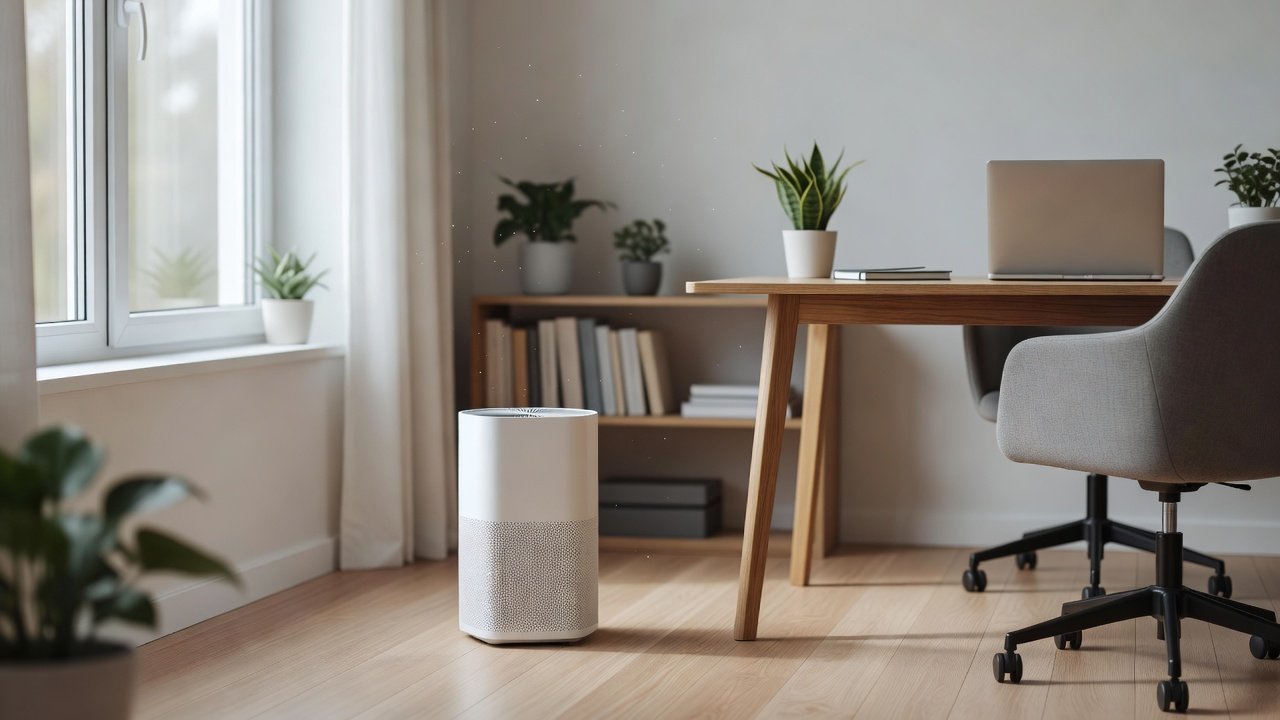
A home office is usually a small room where you spend long hours with the door closed, which makes dust, printer emissions, cooking fumes from elsewhere and stale air more noticeable. A quiet HEPA purifier can lower airborne dust and allergens, and a bit of ventilation keeps CO2 from building up. The best choice is a compact unit with a quiet low speed that will not disturb calls or concentration, sized for the room.
We have not tested these products ourselves, so check specifications. Nothing here is medical advice. Place devices safely and keep cords tidy.
Good for home offices
- Quiet low speed
- Compact size
- Easy filter changes
Common mistakes
- Too loud for calls
- Blocking the intake
- Ignoring ventilation and CO2
Key Takeaways
- Choose a quiet compact true HEPA unit
- Ventilate; purifiers do not reduce CO2
- Ventilate printers and keep surfaces dust-free
- Keep humidity around 30 to 50 percent
A Productive, Healthy Office Setup
Put the desk near a window if you can, keep the door ajar when practical and place the purifier a few feet from your seat with clearance. Keep surfaces clear, dust with damp cloths and vacuum with a HEPA vacuum. Take short breaks each hour to stand, stretch and refresh the air. Use a plant for enjoyment, not air cleaning. Check humidity and CO2 occasionally if you have monitors. A tidy, ventilated, quiet office supports focus and comfort and makes it easier to stick to the habits that keep air clean over the long term.
Light, Sound and Distraction Control
Dim indicator lights, choose a quiet unit and place it so it does not reflect on your screen. If the fan noise bothers you, use a lower setting or a larger unit running slower. Some people like the white-noise effect.
Meetings, Calls and Streaming
Fan noise can affect microphones. Place the purifier away from the microphone or use a lower speed or sleep mode during calls. Test with a recording to see if it is picked up.
Shared Home Offices and Co-Working
If you share the office, agree on settings and filter care. Use a unit sized for the combined occupancy and ventilate more often.
Energy, Filters and Cost
Check wattage and filter prices. Small units on low speed use little power. Keep a spare filter and note replacement dates.
Allergy and Asthma at Work-From-Home
If you have allergies or asthma, keep your plan updated, keep rescue medication nearby and talk to your clinician about triggers in the home office.
Choosing a Purifier for a Small Office
Most home offices are between 80 and 150 square feet, so a compact purifier with a CADR around two thirds of the floor area is enough. Focus on a quiet low speed, because a loud unit will annoy you during long work sessions and calls. Look for a unit with a dimmable display, simple controls and an easy filter swap. Place it on the floor or a stable surface with clearance, a few feet from your chair so it cleans the air you breathe without blowing directly on you. Confirm noise ratings and filter costs on the product page.
Printers, Toner and Fine Particles
Laser printers and some copiers can release fine particles and VOCs when they run, especially in small rooms. Place the printer in a ventilated spot, away from your desk, and open a window when printing large jobs. Choose low-emission models where practical, and keep paper and toner dust wiped away with a damp cloth. A HEPA purifier can capture some of the particles, but ventilation is the best response to fumes. Do not rely on a purifier alone if you print heavily every day.
Fresh Air, CO2 and Mental Fatigue
A closed office fills with the carbon dioxide you exhale, which can make you feel drowsy and unfocused. A purifier does not lower CO2. Open a window or door for a few minutes every hour when outdoor air is clean, use an exhaust fan, or add a CO2 monitor to see when the room needs airing. In smoky or high-pollen periods, ventilate in short bursts and run the purifier on a higher speed afterward. Regular fresh air plus a purifier handles most home-office comfort issues.
Maintenance for Busy Workdays
Put a reminder in your calendar to check the pre-filter monthly and replace the main filter on the manufacturer’s schedule. Keep a spare filter so you do not delay the change. Wipe the intake grille with a dry cloth, vacuum the pre-filter if it is vacuumable and never wash a HEPA or carbon filter unless the manual says it is washable. A well-maintained unit stays quieter and more effective.
Quiet Air Purifiers for Small Rooms
These picks come from the Hostinger affiliate plugin. Specs change by model year, so confirm filter type, CADR, noise and replacement filter costs on the product page before you buy.






What Affects Home Office Air
Small closed rooms collect dust, pet dander and skin particles, and may be near kitchens or garages. Laser printers and some copiers emit fine particles and VOCs. Long hours with the door closed let CO2 rise, which can make you feel stuffy.
Sizing for a Small Office
Choose a CADR of about two thirds of the floor area for an eight foot ceiling. Small rooms are easy to serve with compact units on low speeds. Check the unit’s noise at low speed because you will run it during work.
Noise, Light and Calls
Look for low decibel levels at the lowest speeds and dimmable or off display lights. Test the unit during a call, if possible, and place it away from your microphone. Some units have quiet or sleep modes.
Ventilation and CO2
A purifier does not remove CO2. Open a window or door for a few minutes each hour if outdoor air is clean, use an exhaust fan or consider a CO2 monitor to see when to air out.
Printer, Dust and Cable Clutter
Place printers in ventilated areas, use low-emission toner or inkjet where practical and keep them away from your seat. Dust surfaces with damp cloths, manage cables and keep the intake clear.
Allergies and Focus at Your Desk
Dust and allergens can cause sneezing and irritation that interrupt work. Wash fabrics, vacuum with a HEPA vacuum and keep humidity in range. A purifier lowers airborne particles, though it is one part of a plan.
Pets in the Office
Pets add dander and hair. Groom pets, keep them out of the office if allergies are an issue and use a pre-filter. Clean pet bedding regularly.
Humidity, Temperature and Comfort
Keep humidity around 30 to 50 percent and temperature comfortable. Use a humidifier or dehumidifier carefully. A hygrometer helps.
Standing Desks, Chairs and Placement
Place the purifier on a stable surface or floor with clearance, away from heat and cables. Do not place it where you may knock it over or trip over its cord.
Work-From-Home Air Routine
Open a window briefly each hour or two when outdoor air is clean, check the filter monthly, run the purifier during work hours and ventilate after cooking or cleaning.
How to Choose
- Quiet low speed and dimmable display
- True HEPA filtration
- Compact footprint
- Easy filter replacement
Do
- Match the unit’s rated coverage to your room first
- Run it consistently, not only when the air feels bad
- Leave space around the unit for airflow
- Replace filters on the maker’s schedule
Don’t
- Do not buy on looks or price alone
- Do not block the intake or exhaust
- Do not skip filter changes
- Do not expect a purifier to fix every source of pollution
Honest Limits
- This guide uses manufacturer information and public guidance from the EPA and AHAM, not our own lab tests.
- Features and room ratings change between model years, so confirm on the listing before you buy.
- A purifier is not a medical device and does not replace medical advice or treatment.
Who Should Skip This
When to See a Professional
Frequently Asked Questions
Will a purifier distract me?
Choose a quiet low speed and test it.
Does it reduce CO2?
No; ventilate.
What about printer emissions?
Ventilate and place printers away from your seat.
How big a unit do I need?
CADR about two thirds of floor area.
Bottom Line
For a home office, choose a compact true HEPA purifier with a quiet low speed sized for the room, keep printers ventilated and air out regularly because purifiers do not reduce CO2. Place the unit with clearance and away from your microphone.
Related reading: sens,fan,bed
Sources: EPA, Guide to Air Cleaners in the Home; AHAM Verifide.