Last updated:
Disclosure: As an Amazon Associate we earn from qualifying purchases. This does not change what we recommend. See our affiliate disclaimer.
The fan moves air through the filters, so dust on the blades or in the fan housing can reduce airflow and add noise. It is also the most delicate and risky part to clean: blades can bend, wiring sits close by and the motor is sealed. A gentle approach, and knowing when to stop, protects both you and the unit.
We have not tested these products ourselves, so follow your manual, which may say the fan is not user-serviceable. Unplug the unit and wait before opening anything. Do not touch the blades, insert tools into the fan or lubricate sealed motors.
Usually safe
- Vacuum the housing with a soft brush
- Look with a flashlight
- Wipe accessible plastic
Leave to the maker
- Bent or wobbling blades
- Grinding noise
- Removing the motor
Key Takeaways
- Check whether the manual allows fan cleaning
- Use a vacuum with a soft brush; never touch the blades
- Do not use compressed air or lubricants
- Contact the maker for bent blades or grinding
Step-by-Step Gentle Fan Area Cleaning
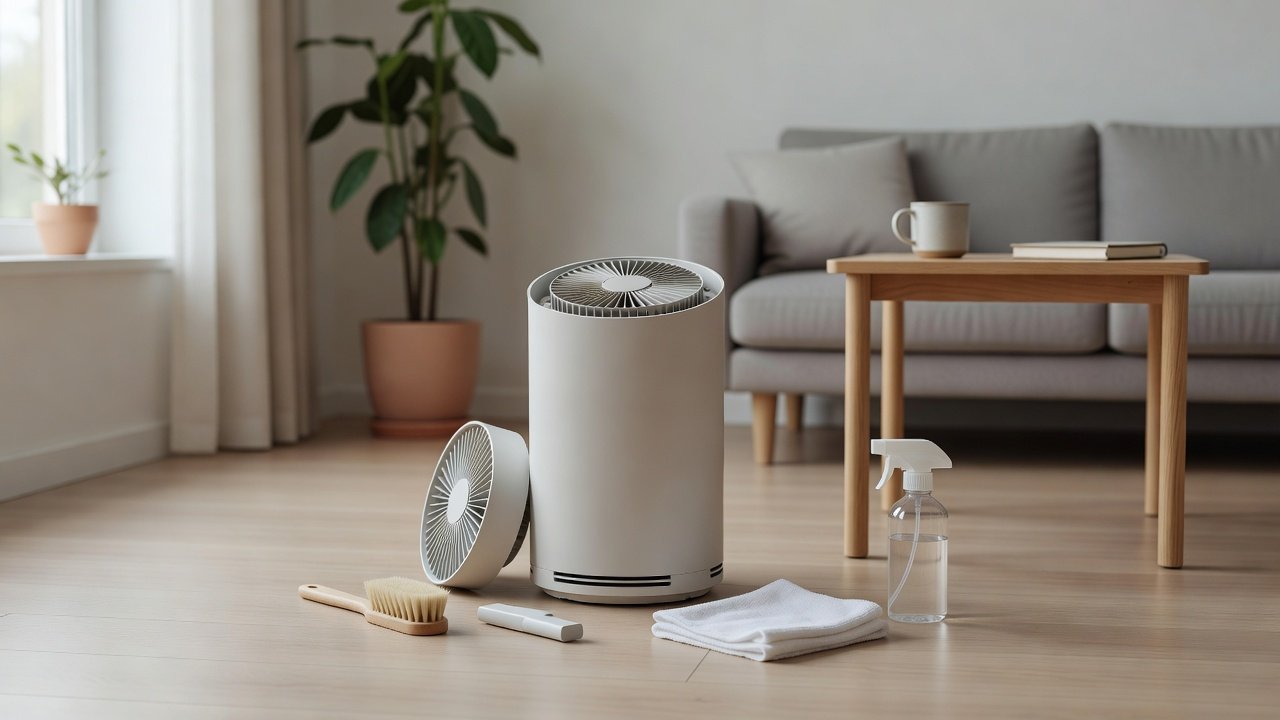
Unplug the unit and wait for it to cool. Remove the filters and set them aside. Use a flashlight to inspect. Hold a vacuum with a soft brush attachment a little away from the blades and pass it over the area. Use a soft brush on accessible plastic surfaces. Do not touch the blades. Wipe the housing with a barely damp cloth, keeping liquid away from the motor and wiring. Let everything dry, reinstall the filters, close the cover and test on low. Log the date. If dust is caked on the blades, stop and contact support.
Understanding Fan Types
Many purifiers use a centrifugal or axial fan. Centrifugal fans, shaped like a drum, can trap dust between vanes. Axial fans look like a propeller. Each is delicate, and dust can make them unbalanced. The manual may name your type and describe service. Do not try to disassemble the fan housing without instructions.
When a Noisy Fan Is Not Dirt
A noisy fan is often caused by loaded filters, a loose cover, vibration or a failing bearing. Check these first. If the noise is a grind, squeal or buzz, or comes with heat or a burning smell, stop and contact the manufacturer. Do not keep running a unit that sounds like it is failing.
Repair or Replace?
If the fan fails out of warranty, compare repair costs with replacement. Parts may not be available. A new unit with a good warranty and filters that are easy to get may be a better choice. Recycle the old unit properly.
Fan Types and Why Dust Builds Where It Does
Dust tends to collect on the leading edges of blades and in the curved corners of a centrifugal housing, where air slows down. Over time this changes the balance of the fan, which can cause vibration and noise. This is why a loud unit with clean filters sometimes has dust on the fan. Because balance is delicate, even a small amount of dust can matter, but the cure is gentle vacuuming rather than scraping.
Why Service Might Be Better Than DIY
If your unit is under warranty, or if the fan is difficult to reach, asking the maker for service avoids damage and keeps your coverage. Ask whether they offer a service program, replacement parts or a replacement unit. Provide the model number, a description of the noise and a short video. If the unit is old, compare the service cost with a new unit.
What a Healthy Fan Sounds Like
A healthy fan produces a steady, smooth whoosh that rises and falls evenly with speed. Rattling, scraping, grinding, squealing and clicking are signs of trouble. Wobble that you can feel in the housing suggests an unbalanced fan. If your unit changes sound after cleaning, unplug it and recheck that all parts are seated and that nothing touches the blades. If it does not return to normal, contact support.
A Note on Safety
Deep cleaning a fan means working close to the motor and wiring, so the unit must be unplugged and fully cool before you begin, and the motor housing should never be opened. Work only through the filter opening and any access panel the manual describes. Use a dry brush and vacuum rather than liquids, and let any damp-wiped surfaces dry completely before reassembly. If the fan is stiff, noisy, or wobbles by hand after cleaning, the bearing is the problem and the manufacturer is the next call. A clean fan runs quieter, cooler, and moves more air, which is why this is worth doing once or twice a year.
Air Purifiers With Easy Service
These picks come from the Hostinger affiliate plugin. Specs change by model year, so confirm filter type, CADR and replacement costs on the product page before you buy.






Check the Manual First
Some units let you access the fan area, while others treat it as a sealed part. If the manual does not describe fan cleaning, do not take the unit apart. Contact the maker if you think the fan needs service.
Prepare Safely
Unplug the unit, wait for it to cool and remove the filters. Work on a stable surface with good light. Keep liquids away. Do not touch the blades.
Look Before You Clean
Use a flashlight to look at the fan area. If you see light dust, you can clean it gently. If you see heavy debris, damage or wobble, stop and contact support.
Gentle Dry Cleaning
Hold a vacuum with a soft brush attachment slightly away from the blades and remove loose dust. Use a soft brush on accessible surfaces, not the blades. Do not press, bend or spin the blades by hand. Do not use compressed air, which can spin the fan too fast or push dust into the motor.
Test After Cleaning
Reassemble, plug in the unit and run it on low. Listen for scraping, grinding or wobble. If the noise is worse, unplug and contact support.
Signs the Fan Area Needs Attention
Reduced airflow with clean filters, a louder fan, dust blowing from the outlet or a smell of dust burning can all point to a dirty fan area. Check filters first, since they are the more common cause.
Why Not Use Compressed Air
Compressed air can spin the fan too fast, damaging bearings, and push dust deeper into the motor. It can also damage nearby filters and sensors. Use a vacuum with a soft brush instead.
Why Not Lubricate
Most purifier fan motors are sealed and do not need lubrication. Adding oil can attract dust and damage the motor. If the fan squeals or grinds, contact the manufacturer.
Warranty Considerations
Opening the unit may affect your warranty. Check the terms before removing screws. If the unit is under warranty and the fan is noisy or dirty, ask the maker to service it.
Preventing Fan Dust
Replace filters on schedule, clean the pre-filter, vacuum vents and keep the unit in a clean area. A clean pre-filter keeps most dust out of the fan area.
How to Choose
- Look for clear maintenance instructions
- Check warranty and support
- Compare replacement filter costs
- Match the CADR to the room
Do
- Match the unit’s rated coverage to your room first
- Run it consistently, not only when the air feels bad
- Leave space around the unit for airflow
- Replace filters on the maker’s schedule
Don’t
- Do not buy on looks or price alone
- Do not block the intake or exhaust
- Do not skip filter changes
- Do not expect a purifier to fix every source of pollution
Honest Limits
- This guide uses manufacturer information and public guidance from the EPA and AHAM, not our own lab tests.
- Features and room ratings change between model years, so confirm on the listing before you buy.
- A purifier is not a medical device and does not replace medical advice or treatment.
Who Should Skip This
When to See a Professional
Frequently Asked Questions
Can I clean the fan blades?
Only if the manual allows, gently and dry.
Can I use compressed air?
Avoid it near the fan and filters.
Should I oil the motor?
Do not lubricate sealed motors.
When should I contact support?
For bent blades, grinding or a sealed fan area.
Bottom Line
Deep cleaning an air purifier fan means gentle dry vacuuming near the blades with the unit unplugged, never touching or bending them. If the fan is heavily dirty, bent, noisy or the manual says it is sealed, contact the manufacturer rather than taking it apart.
Related reading: sens,fan,bed
Sources: EPA, Guide to Air Cleaners in the Home; AHAM Verifide.