Last updated:
Disclosure: As an Amazon Associate we earn from qualifying purchases. This does not change what we recommend. See our affiliate disclaimer.
When someone in your home has been ill, it is natural to wonder whether the air purifier needs special cleaning. In general, a purifier needs the same care as always, with a few sensible habits: wash your hands, handle used filters carefully, wipe the exterior and replace filters on schedule. A purifier is a supplement to ventilation, hygiene and medical advice, not a way to sterilize a home.
We make no medical claims here. For guidance specific to an illness, follow the advice of a healthcare professional and local public health agencies. We have not tested these products ourselves, so follow the manufacturer manual.
Sensible steps
- Unplug and wash hands
- Bag and dispose of used filters
- Wipe the exterior with approved methods
What not to do
- Spray disinfectant into the unit
- Wash HEPA filters
- Assume a purifier sterilizes the room
Key Takeaways
- A purifier does not sterilize a room or replace hygiene and ventilation
- Handle and bag used filters carefully, and wash hands
- Do not wash HEPA filters or spray disinfectant into the unit
- Follow healthcare and public health advice for illness
Ventilation Tips
Open windows for a few minutes several times a day when weather and outdoor air allow. Use exhaust fans in kitchens and bathrooms. Keep doors open between rooms when you want air to mix, and closed when you want the purifier to treat one room.
Cleaning Schedule Following an Illness
Wipe the exterior daily during illness and clean the pre-filter at the usual time. Replace the main filters on schedule or earlier if loaded. After the illness, vacuum and wash soft furnishings. Return to your normal routine.
Common Myths
Myth: a purifier alone prevents illness. Reality: it helps reduce airborne particles but is one measure among many. Myth: UV or ionizers are necessary. Reality: HEPA does the main work. Myth: you must replace filters after every illness. Reality: follow the schedule or replace sooner if loaded.
Asking for Help
If you have questions about illness or air quality in your home, ask a healthcare professional or your local public health agency. For purifier-specific questions, contact the manufacturer with the model number.
Making the Home Easier on a Purifier During Illness
Reduce clutter, keep surfaces wipeable, keep windows open when possible and avoid sharing items that can spread germs. These steps are not about the purifier at all, but they lower the load on the home’s air and surfaces and are among the most effective measures. A purifier fits into this wider plan.
Cleaning the Pre-Filter During an Illness Period
If the unit runs more than usual, check the pre-filter weekly. Vacuum it gently or wash it as the manual allows and dry fully. Wash your hands afterwards. Keep a spare pre-filter if available so you can swap one in at once. A clean pre-filter protects the main filter and keeps airflow strong.
Room Placement for Shared Spaces
If someone is recovering in one room, place the purifier there with clearance around it and keep the door closed when practical. Place it where air can flow past the person, not blowing directly at them. Open a window in another part of the home when possible to bring in fresh air. Adjust based on comfort and health advice.
What to Do With the Unit If It Has Been Heavily Used
After weeks of continuous use, check the filters, the housing and the intake. Clean the exterior, vacuum the intake and compartment and replace filters if loaded. If the unit sounds different or runs hot, check clearance and seating. A short maintenance session restores performance.
Waste, Gloves and Masks
Bag used gloves, masks and filters together and dispose of them with household waste. Wash your hands. Keep the area clean. Avoid reusing disposable items. These steps reduce the chance of spreading anything through handling.
Sources of Reliable Guidance
Health agencies, such as national public health services and the EPA, provide guidance on indoor air, ventilation, cleaning and portable air cleaners. Use those sources for health-related decisions and rely on the manufacturer for product care. Be cautious of claims that sound too good to be true.
After an Illness: Rebuilding Normal Routines
Once everyone has recovered, return to your usual cleaning routine. Replace the filter if it is due, wipe the exterior, wash fabrics and ventilate. There is no need for extreme measures. A calm, steady routine is more sustainable and, in most homes, just as effective.
Talking to Children Safely About Cleaning
If children help around the home, teach them to leave the purifier alone and to wash their hands after touching shared surfaces. Keep spare filters and cleaning supplies out of reach. Make it simple and routine rather than scary.
HEPA Air Purifiers to Consider
If you are choosing a purifier, focus on true HEPA filtration and a CADR matched to your room. These picks come from the Hostinger affiliate plugin. Specs change by model year, so confirm filter type, CADR and replacement costs on the product page.






What a Purifier Does and Does Not Do
A HEPA purifier captures many airborne particles that pass through it, including some that may carry microbes. It does not sterilize a room, does not clean surfaces and does not replace ventilation, hygiene or medical care. It does not need a special deep clean after an illness, but good maintenance habits are worthwhile.
Handle Filters Carefully
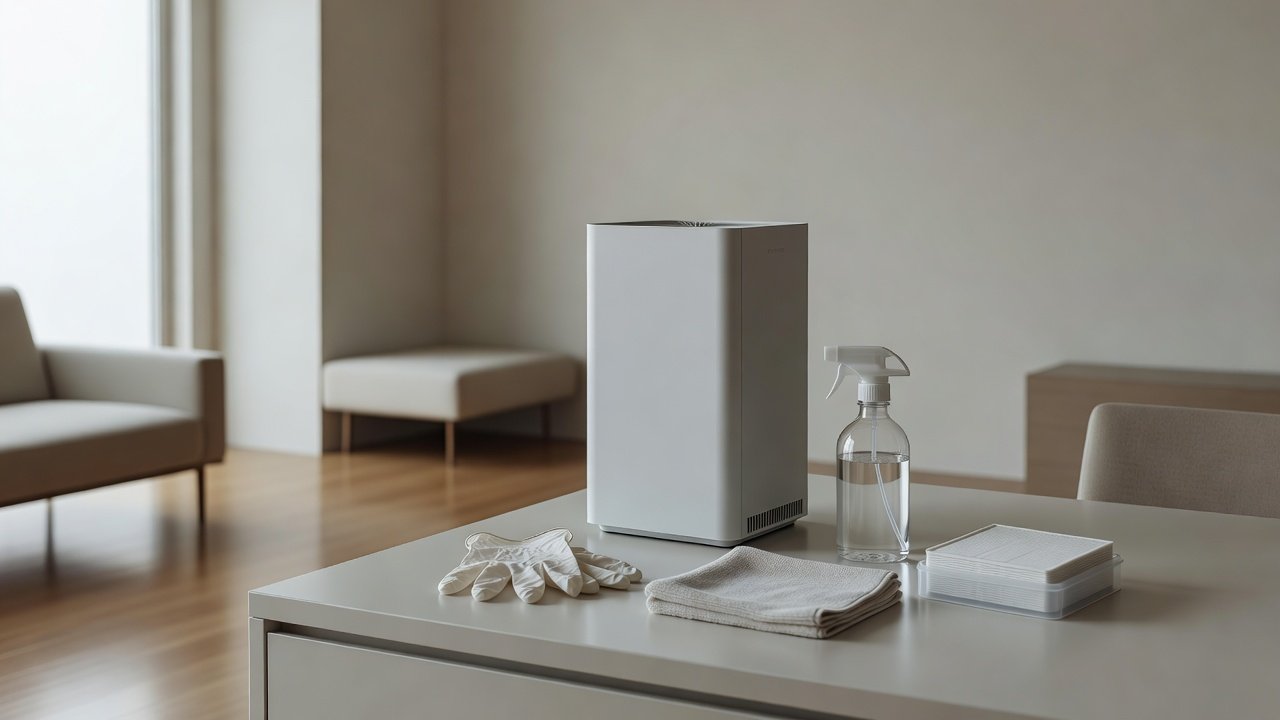
Unplug the unit and wash your hands. Wear gloves if you wish. Remove used filters gently, avoid shaking them, place them in a plastic bag and seal it. Dispose of them with household waste following local rules, then wash your hands. Install new filters if they are due, and keep the old ones out of reach of children and pets.
Do Not Wash HEPA Filters
Washing or disinfecting a HEPA or carbon filter can damage it and does not make it safe to reuse. Replace it on schedule or earlier if you prefer, especially after heavy exposure. Washable pre-filters can be cleaned as the manual describes.
Wipe the Exterior
Wipe the housing and controls with a barely damp cloth and mild soap, then dry. If you want to use a disinfectant wipe, check the manual first, since some chemicals damage plastics and displays. Do not spray into vents or on the controls. Wipe frequently touched areas such as buttons and handles.
Ventilate and Maintain Routines
Open windows when conditions allow, use exhaust fans and keep filters fresh. Keep the unit running with clearance around it. Good ventilation does more than a purifier alone. Follow health guidance about isolation, hygiene and when to seek care.
When to Replace Filters Early
Replace filters earlier if the unit has been running heavily during an illness, if the filter is heavily loaded or if you simply want peace of mind. There is no need to replace them in a panic, but a fresh set after a difficult period is reasonable. Keep a log and spares on hand.
Cleaning Other Surfaces and Fabrics
Many particles settle on surfaces and fabrics. Clean frequently touched surfaces, wash bedding and towels in hot water if the fabric allows and vacuum with a sealed-filter vacuum. These steps do more for the home than anything done to the purifier itself.
Disinfectant Safety
Use disinfectants as the label says, keep them away from the unit’s vents and electronics and do not mix products. Ventilate while using them. Do not use ozone generators or fogging devices in occupied rooms, since the EPA advises against ozone-emitting air cleaners.
Protecting Vulnerable Household Members
If someone in the home is vulnerable, ask their healthcare professional what steps suit them. Keep the unit running with fresh filters, ventilate and follow hygiene advice. Do not rely on any device alone for protection.
Hand Hygiene and Filter Changes
Wash hands before and after changing filters. Avoid touching your face during the job. Use a bag for used filters and wipe the work surface. These simple steps keep the job safe.
How to Choose
- Choose a true HEPA filter
- Match the CADR to the room size
- Check replacement filter costs
- Avoid ozone-producing devices
Do
- Match the unit’s rated coverage to your room first
- Run it consistently, not only when the air feels bad
- Leave space around the unit for airflow
- Replace filters on the maker’s schedule
Don’t
- Do not buy on looks or price alone
- Do not block the intake or exhaust
- Do not skip filter changes
- Do not expect a purifier to fix every source of pollution
Honest Limits
- This guide uses manufacturer information and public guidance from the EPA and AHAM, not our own lab tests.
- Features and room ratings change between model years, so confirm on the listing before you buy.
- A purifier is not a medical device and does not replace medical advice or treatment.
Who Should Skip This
When to See a Professional
Frequently Asked Questions
Do I need to deep clean my purifier after illness?
Not usually. Keep up regular maintenance and handle filters carefully.
Can I disinfect the filter?
No. Replace HEPA and carbon filters rather than washing or disinfecting them.
Is it okay to use disinfectant wipes on the exterior?
Check the manual first. Some chemicals damage plastics.
Does a purifier kill viruses?
It captures particles. It does not sterilize a room.
Bottom Line
After illness in the home, keep your purifier routine simple: wash your hands, handle and dispose of used filters carefully, replace on schedule, wipe the exterior and ventilate. Do not wash HEPA filters or spray disinfectant into the unit. A purifier supports, but does not replace, hygiene and medical advice.
Related reading: sens,fan,bed
Sources: EPA, Guide to Air Cleaners in the Home; AHAM Verifide.