Last updated:
Disclosure: As an Amazon Associate we earn from qualifying purchases. This does not change what we recommend. See our affiliate disclaimer.
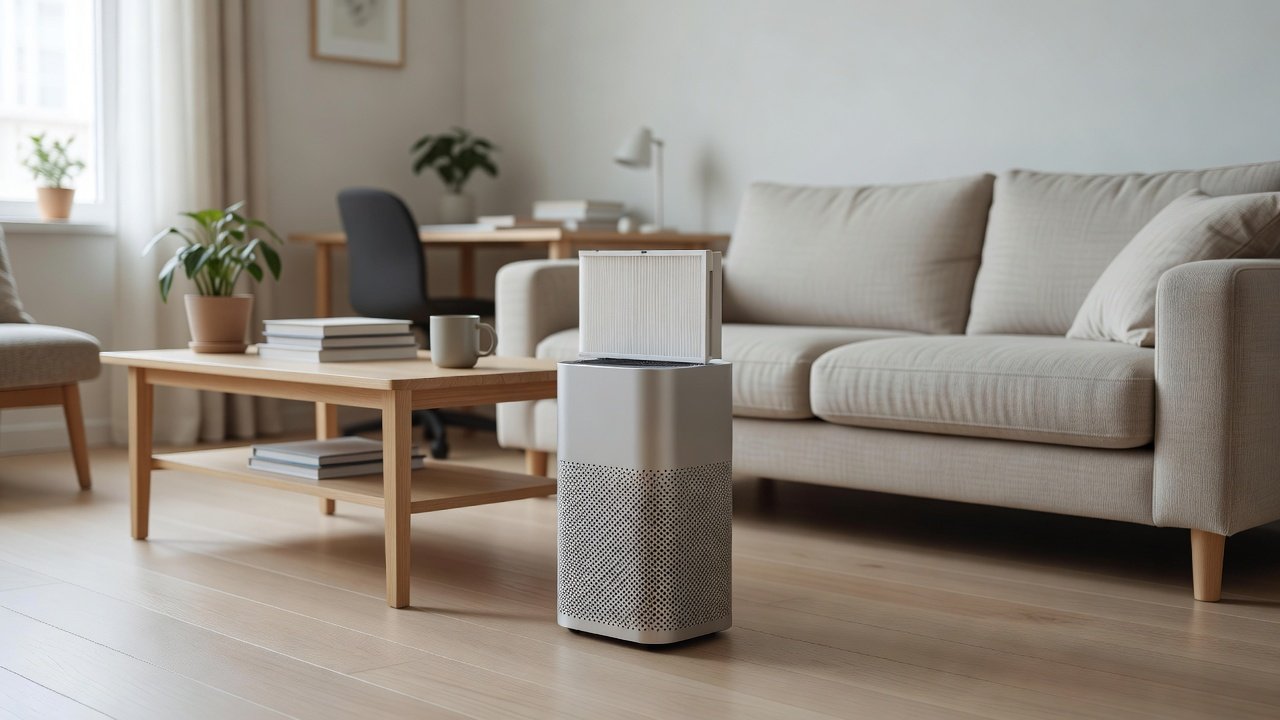
It is a common surprise: you clean the air purifier, expecting it to run more quietly, and it gets louder. In most cases the cleaning disturbed something. A filter may have been put back in the wrong direction, a cover may not be fully clicked in, a washable pre-filter may still be damp or slightly misshaped, or the unit may now be sitting differently on the surface. These causes are easy to check.
This guide focuses on noise that starts right after cleaning, which differs from long-term noise problems. We have not tested these products ourselves, so follow your manual. Unplug the unit before checking parts, and stop using it if you hear grinding or smell burning.
Likely causes right after cleaning
- Filter reversed or not seated
- Cover not clicked in
- Damp or misshaped pre-filter
Quick fixes
- Reseat filters with arrows correct
- Close the cover until it clicks
- Dry the pre-filter fully
Key Takeaways
- Retrace your steps and compare to the photos you took before cleaning
- Check filter direction and seating, the pre-filter and the cover
- Compare noise at a fixed speed, not in auto mode
- Stop and contact support for grinding or burning smells
A Step-by-Step Reset Routine
Unplug the unit. Remove the cover and filters. Check for debris. Reinstall the filters in the right order and direction. Make sure the pre-filter is dry. Close the cover until it clicks. Place the unit on a level surface. Plug in and test on low, medium and high. Note any change. Repeat if needed.
Using a Phone to Compare Noise
A free sound-level app lets you compare noise before and after you reseat the parts. Measure from the same spot at the same speed. A drop of several decibels after a simple fix confirms that you found the cause. This also helps you tell the support team what you observed.
Preventing Noise Next Time
Take photos before you clean. Keep the manual handy. Dry washable parts fully. Reseat filters carefully, with arrows in the right direction. Check the cover click. Test the unit after each clean. Keep a log. These habits prevent most post-cleaning noise.
When Noise Signals Wear
If the unit is several years old and noise has been rising, the fan bearings or motor may be wearing. Cleaning cannot fix this. Check the warranty and consider repair or replacement. A new unit sized to your room and run at a low speed is often quieter than an old unit running at maximum.
The Role of Foam and Gaskets in Quiet Operation
Foam strips and rubber gaskets around the filter and the cover absorb vibration and seal air paths. If one was dislodged, crushed or lost during cleaning, the unit can vibrate, whistle or leak air. Check that every foam strip is in place and flat, and that no gasket is twisted. If a gasket is torn, ask the manufacturer for a replacement rather than using tape, which can peel and block airflow.
Wet Cleaning and Resonance
If you wiped the housing with a damp cloth and a little moisture got into a seam, the unit can sound different until it dries. Water in a gap can change how plastic parts rattle against each other. Let the unit rest unplugged in a dry room for a day before testing again. If the noise changes as it dries, that confirms moisture was the cause.
Checking After Each Step
If you are unsure which step caused the noise, test after each reassembly step. Put one filter back and check the sound, then the second, then the cover. This is slower, but it pinpoints the culprit. Keep the unit unplugged while you reseat parts and plug it in only for each test.
Reading the Sound Like a Technician
A steady whoosh that rises with speed is airflow. A rhythmic tick or flutter suggests something touching the fan, which needs attention. A constant high whine can be a motor or electronic noise. A buzz that changes when you touch the housing is vibration. Describing the sound accurately helps you and the support team find the cause faster.
Quieter Air Purifiers to Consider
If noise remains an issue, consider a unit sized to run at low speed in your room, with a stated noise level. These picks come from the Hostinger affiliate plugin. Specs change by model year, so confirm noise ratings, filter costs and features on the product page.






Step 1: Retrace What You Did
Think about each step of the clean: which parts you removed, which you washed and which you vacuumed. The noise usually relates to one of them. If you moved the unit, consider whether it now sits on a different surface or against a wall. Photos taken before cleaning help here, since you can compare how the parts looked before.
Step 2: Check Filter Direction and Seating
A filter put in backwards or tilted can restrict airflow, cause whistling or make the fan work harder. Unplug the unit, remove the filter and reinstall it with the airflow arrows pointing the way the manual shows. Make sure the filter sits flat against its seal and that nothing is folded or trapped under it.
Step 3: Check the Pre-Filter
A damp pre-filter is heavier and can restrict airflow and also smell. A pre-filter that has shrunk, warped or was reinstalled upside down can leave gaps. Make sure it is completely dry and fits snugly. If it is distorted or torn, replace it. Never run the unit with a damp filter.
Step 4: Check the Cover and Latches
A cover that is not fully closed can vibrate or whistle. Open and close it, press until it clicks and make sure any latch or switch is engaged. Check that dust or a small piece of debris is not stopping it from closing. A loose cover is one of the most common causes of post-cleaning noise.
Step 5: Check for Debris and Loose Items
Look into the intake and the filter compartment for anything left behind, such as a piece of foam, a screw or a cloth fiber. Do not put your fingers or tools near the fan. If you cannot reach an object, contact the manufacturer. Remove anything loose on or near the unit that could rattle.
Why a Cleaner Filter Can Sound Louder
A very loaded filter muffles airflow and can make the unit seem quieter in some situations, while restricting the air. After you clean or replace it, the unit moves more air, and the fan may speed up in auto mode in response to better air flow or sensor readings. A louder but normal sound at the same speed setting is possible, and it may simply reflect the true airflow of the unit. Compare the noise at the same fixed speed to judge whether anything is actually wrong.
Auto Mode and Sensor Effects
If your unit has an auto mode, cleaning can reset the sensor, or dust disturbed during cleaning can trigger higher speeds for a while. Let the unit run for ten to fifteen minutes and see whether it settles. If it keeps running on high, check the sensor area for dust, as the manual describes, and consider using a manual speed.
Surface, Placement and Vibration
If you moved the unit while cleaning, it may now sit on a different surface or touch the wall. Check that it is level, that all feet touch the surface and that there is a few inches of clearance. A rubber pad or felt under the feet can reduce vibration.
Third-Party or Wrong Filters
If you replaced filters as part of the clean, check that they are the correct model. A filter that is the wrong size or a poor fit can leak air, whistle or vibrate. Check the part number against the manual. If the noise started after fitting a compatible filter, try the genuine one or contact the seller.
When to Contact Support
If you have checked everything and the unit is still louder, or if it makes grinding, scraping or squealing sounds, stop using it and contact the manufacturer. Provide the model number, the purchase date, a description of the sound and photos of the filter compartment. Do not open sealed parts.
How to Choose
- Choose a CADR suited to your room so you can use low speeds
- Check noise levels at low and high speeds
- Look for a night mode
- Compare filter costs and availability
Do
- Match the unit’s rated coverage to your room first
- Run it consistently, not only when the air feels bad
- Leave space around the unit for airflow
- Replace filters on the maker’s schedule
Don’t
- Do not buy on looks or price alone
- Do not block the intake or exhaust
- Do not skip filter changes
- Do not expect a purifier to fix every source of pollution
Honest Limits
- This guide uses manufacturer information and public guidance from the EPA and AHAM, not our own lab tests.
- Features and room ratings change between model years, so confirm on the listing before you buy.
- A purifier is not a medical device and does not replace medical advice or treatment.
Who Should Skip This
When to See a Professional
Frequently Asked Questions
Why is my air purifier louder after cleaning?
Often a filter is not seated or is reversed, the pre-filter is damp or misshaped, or the cover is not closed.
Could the unit be louder simply because it is now working better?
Yes, a clean filter can move more air, and auto mode can raise the speed. Compare at a fixed speed.
Should I be worried about a whistle?
A whistle usually means an air leak around a filter or cover. Reseat the parts.
What if I hear grinding?
Stop using the unit and contact the manufacturer.
Bottom Line
If your air purifier runs louder after cleaning, retrace your steps and check the filter direction and seating, the dryness and fit of the pre-filter, the cover and latches and any debris. Most cases are fixed in minutes. If you hear grinding, smell burning or the noise remains, stop using the unit and contact the manufacturer.
Related reading: sens,fan,bed
Sources: EPA, Guide to Air Cleaners in the Home; AHAM Verifide.