Last updated:
Disclosure: As an Amazon Associate we earn from qualifying purchases. This does not change what we recommend. See our affiliate disclaimer.
Small desktop air purifiers sit close to you, often on a desk or nightstand, and their compact filters and tight vents load quickly with dust, hair and lint. A quick routine keeps airflow steady, noise down and filters working. Because the unit is small, a gentle touch matters even more.
We have not tested these products ourselves, so follow your manual. Unplug the unit before cleaning, keep liquids away from the electronics and do not push tools into the vents toward the fan.
Quick routine
- Vacuum or brush the vents
- Wipe the exterior
- Check the filter
Avoid
- Liquids in vents
- Compressed air on filters
- Washing the filter
Key Takeaways
- Brush or vacuum the vents weekly
- Check the filter monthly and replace on schedule
- Do not wash standard HEPA or carbon filters
- Give the unit clearance and a stable surface
A Two-Minute Routine for Busy Desks
Once a week, unplug the unit and give the vents a quick brush or vacuum. Wipe the top and sides with a dry cloth. Check that nothing blocks the vents. Plug it in and make sure it runs normally. Once a month, open the unit, check the filter and note the date. This tiny routine keeps desk dust under control and prevents the filter from clogging too soon. Put the reminder on your calendar.
Dust Sources at a Desk
Paper, cardboard, fabric chairs, printers and pets all create dust. Reduce the load by keeping the desk clear, using a closed container for paper scraps and vacuuming the area. Place the unit where air can circulate and where it is not buried under paper. Less clutter means less dust for the unit to handle.
Smart and USB-Powered Units
Some desktop units use USB power or batteries. Use the recommended charger or cable and do not use damaged cords. Check the battery and charging port for dust. Keep liquids away from ports. Follow the manual for battery care.
Safety Basics
Unplug before cleaning, keep liquids away, do not cover the vents while running and do not leave the unit on soft surfaces that block airflow. If the unit gets hot, smells burnt or sparks, stop and contact the manufacturer.
Comparing With a Larger Unit
A larger unit running on a lower speed can be quieter and cover more air. A small unit is portable and good for personal space. Decide based on the room and your needs. For a large room, a small unit will not be enough.
What to Do If Airflow Is Weak
Check the vents and filter. Make sure the unit is on a firm surface and not blocked. Replace the filter if loaded. Try another outlet or cable if USB-powered. If airflow is still weak, contact support.
Long-Term Care
Replace filters on schedule, keep the unit dry, store it properly and avoid dropping it. A little care helps a small unit last. Keep the manual and receipt.
Choosing Your Next Desktop Unit
Look for a CADR that suits the room, a quiet low speed, an easy-to-open filter cover and affordable filters. Read independent reviews. Check the warranty. Use the product cards above to compare options.
Pairing a Desktop Unit With Good Habits
A desktop unit works best as part of a clean workspace. Keep food and drinks away from the vents, avoid placing it under a window with direct sun, and keep paper stacks from blocking airflow. If you work with pets nearby, place the unit on a raised surface. Wipe your desk regularly, and wash fabric covers. These simple habits reduce the dust load on the filter and keep the unit effective for longer between replacements.
Checking That a Small Unit Is Actually Helping
Because small units have a modest CADR, they affect the air near you more than the whole room. Check the stated CADR and room size and set realistic expectations. If your desk is in a larger room, consider a bigger unit. If your unit has a display, watch how readings change. If you notice no difference after a week with a clean filter, the unit may be too small for your needs.
Final Word
A small desktop purifier needs the same care as a large one on a shorter cycle: unplug, vacuum the pre-filter monthly, wipe the housing weekly since desks collect paper dust, replace the small HEPA on schedule, and keep the intake clear of papers and the outlet aimed across the desk rather than at your face.
Compact Air Purifiers to Consider
These picks come from the Hostinger affiliate plugin. Specs change by model year, so confirm filter type, CADR and replacement costs on the product page before you buy.






Why Small Units Clog Fast
A compact filter has less surface area, so it loads faster than a large one. A desktop unit also sits close to paper, clothes and pets, which shed fibers. Regular quick cleaning keeps it effective.
Weekly Quick Clean
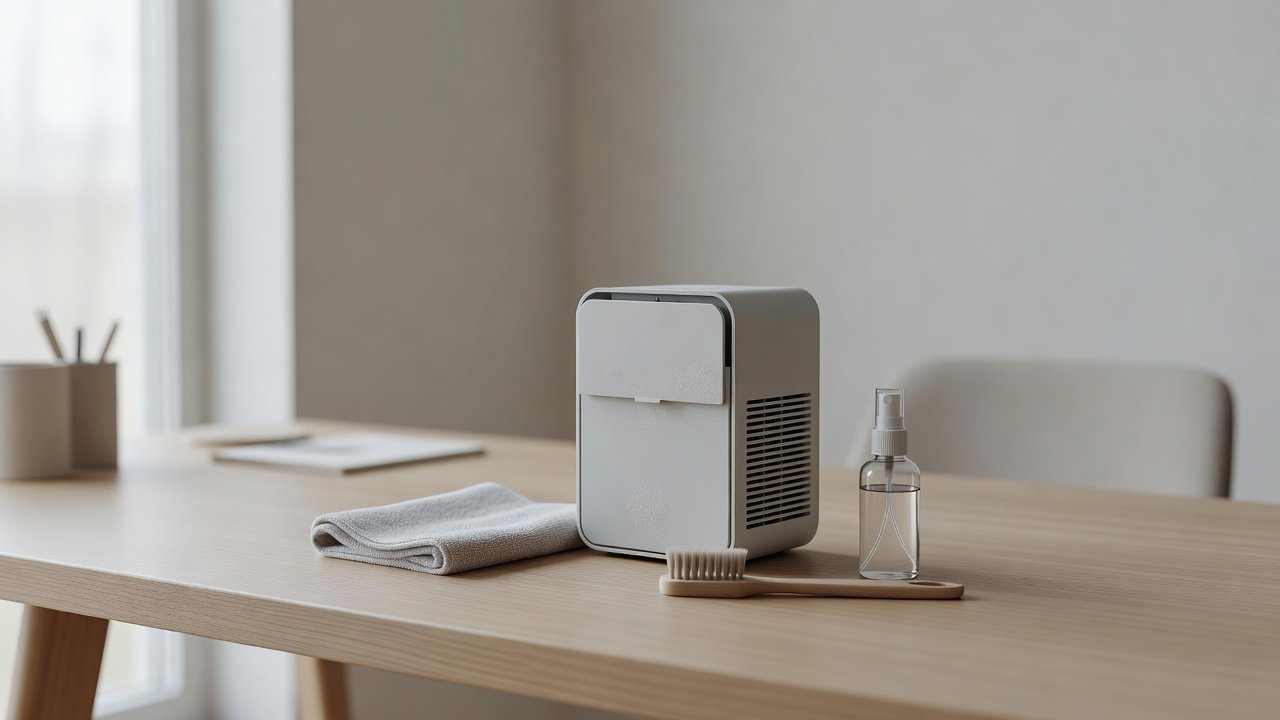
Unplug the unit. Brush the vents with a soft brush or vacuum them with a soft brush attachment on low suction. Wipe the exterior with a dry microfiber cloth. Check that the vents are clear and the unit sits on a flat surface with clearance.
Monthly Filter Check
Open the unit as the manual describes and look at the filter. If it is gray, loaded or past its schedule, replace it. Do not wash a standard HEPA or carbon filter. If there is a washable pre-filter, clean it as the manual allows and dry it completely.
Cleaning the Exterior and Controls
Wipe the housing with a barely damp cloth if needed, then dry. Keep liquid away from buttons, the display and vents. Use a dry cloth for the controls.
Placement Tips for Desktop Units
Keep the unit a few inches from walls and clutter, away from steam from drinks and away from where you eat. Place it where air can flow, not blocked by monitors or books. Keep the cord tidy.
Choosing the Right Size for the Space
Small units suit small rooms and personal spaces. Check the CADR and the stated room size. A desktop unit is not a substitute for a larger unit in a big room. Use it where its size suits.
Noise at Close Range
Because you sit near it, noise matters. Check the decibel ratings and use a lower speed. A dirty filter and loose parts can raise the noise. Place it on a stable surface or a mat to reduce vibration.
Spare Filters and Costs
Small units use small filters that can be relatively costly per month. Check filter price and life before you buy. Keep a spare. Buy the exact model.
Travel and Storage
If you carry the unit, clean and dry it first, cover the vents and protect the cord. Check the filter after travel. Do not use the unit if it has been dropped and shows damage.
When to Replace the Unit
If the unit is noisy after cleaning, filters are no longer sold or airflow stays weak with a new filter, consider replacing it. Choose a model with accessible filters and a clear warranty.
How to Choose
- Check the CADR for the room size
- Look for easy filter access
- Compare replacement filter costs
- Check noise levels for desk use
Do
- Match the unit’s rated coverage to your room first
- Run it consistently, not only when the air feels bad
- Leave space around the unit for airflow
- Replace filters on the maker’s schedule
Don’t
- Do not buy on looks or price alone
- Do not block the intake or exhaust
- Do not skip filter changes
- Do not expect a purifier to fix every source of pollution
Honest Limits
- This guide uses manufacturer information and public guidance from the EPA and AHAM, not our own lab tests.
- Features and room ratings change between model years, so confirm on the listing before you buy.
- A purifier is not a medical device and does not replace medical advice or treatment.
Who Should Skip This
When to See a Professional
Frequently Asked Questions
How often should I clean a desktop purifier?
A quick vent clean weekly and a filter check monthly.
Can I wash the filter?
Not unless the manual says it is washable.
Why is it loud?
Loaded filters, loose parts or vibration. Clean and reseat.
Where should I place it?
On a flat surface with clearance, away from steam.
Bottom Line
A small desktop air purifier needs a weekly quick brush or vacuum of the vents and a monthly check of the filter. Replace the filter on schedule instead of washing it, keep liquids away from the electronics and give the unit clearance so air can flow.
Related reading: sens,fan,bed
Sources: EPA, Guide to Air Cleaners in the Home; AHAM Verifide.