Last updated:
Disclosure: As an Amazon Associate we earn from qualifying purchases. This does not change what we recommend. See our affiliate disclaimer.
Most damage to air purifiers happens during cleaning, not use. Washing a HEPA filter, spraying cleaner into vents, blasting parts with compressed air or running the unit while damp can all ruin parts that were working fine. The safe approach is simple: know what each part is, clean only what the maker says can be cleaned and replace the rest.
We have not tested these products ourselves, so your manual is the final word. Unplug the unit before every cleaning step and keep liquids away from electronics.
Safe
- Vacuum with a soft brush
- Dry or barely damp cloth
- Replace filters on schedule
Damaging
- Wetting HEPA and carbon
- Sprays and steam
- Compressed air and sharp tools
Key Takeaways
- Clean only what the manual allows
- Never wet HEPA or carbon filters
- Avoid sprays, steam and compressed air
- Replace filters instead of trying to revive them
A Part-by-Part Guide
Housing: wipe with a barely damp cloth. Vents: vacuum with a soft brush. Pre-filter: vacuum or rinse if washable. HEPA: replace. Carbon: replace. Fan: do not touch, contact support if dirty. Sensor: dry soft brush or swab. Display and controls: dry or barely damp cloth. Cord and plug: inspect, keep dry. Water tank: clean as the manual says. This guide covers most units, but your manual has the final word on each part.
Why Gentle Methods Work Best
Purifiers are built from thin plastics, fine filter media and sensitive electronics. Force and liquids rarely help and often harm. Gentle, dry methods lift dust without damage. When you need more, step up slowly and test in a hidden spot. If you are unsure, ask the manufacturer before trying anything new.
Safety Basics
Unplug before cleaning. Keep liquids away from electronics. Do not run the unit with the cover off. Do not use a damaged cord. Do not mix cleaning products. Ventilate while you clean. Wash your hands afterward. If you smell burning, stop and contact the manufacturer.
Common Myths
Myth: you can wash any filter. Fact: most HEPA and carbon filters should be replaced. Myth: compressed air is safe and effective. Fact: it can damage filters. Myth: a strong cleaner is better. Fact: it can damage plastics and leave residue. Myth: a purifier needs no care. Fact: it needs a simple routine.
Making It a Habit
Put a reminder on your phone, keep supplies near the unit and tie cleaning to another chore such as vacuuming. Keep a log of filter changes. Small consistent habits are more effective than occasional deep cleans.
Special Cases
Humidifier combos, electrostatic units, ionizers and smart units have extra parts and rules. Follow the manual for each. Our other guides cover these cases in detail, including water-tank care, collection plates, sensors and noise.
Storage and Moves
Clean, dry and cover the unit for storage. Remove old filters. Check the cord and parts before restarting. Keep the manual and a spare filter with the unit.
Choosing an Easy-Care Unit
If cleaning feels like a chore, look for a unit with easy filter access, a washable pre-filter and a smooth housing. Check reviews about maintenance and the price of replacement filters.
Case Study Style Examples of Cleaning Gone Wrong
A common story: someone rinses a HEPA filter, puts it back damp and later finds a musty smell and weaker airflow. Another sprays cleaner into the vents and later sees erratic display readings. Another uses compressed air on the filter and finds it torn. Each of these cases comes from trying to clean too much with too much force. A gentle routine and scheduled replacement would have avoided all three. Learn from these and keep your approach simple.
Checking Your Work After Cleaning
After cleaning, run a quick check. Is the filter seated and the cover closed? Is the unit dry? Does it start, sound normal and smell normal? Does airflow feel steady at each speed? Do the display and indicator look right? If yes, you are done. If not, unplug and recheck in order, then contact support if needed. A two-minute check catches most mistakes before they become problems.
Air Purifiers That Are Easy to Care For
These picks come from the Hostinger affiliate plugin. Specs change by model year, so confirm filter type, CADR and replacement costs on the product page before you buy.






Know the Parts Before You Clean
A typical purifier has a housing, vents, a pre-filter, a main filter such as HEPA, sometimes a carbon filter, a fan and motor, a sensor and controls. Each part has its own rule: the exterior can be wiped, the pre-filter may be washable, HEPA and carbon are replaced and the fan, sensor and controls stay dry.
The Safe Routine
Unplug the unit. Vacuum the vents and exterior with a soft brush attachment. Clean the pre-filter as the manual allows. Wipe the housing with a barely damp cloth and dry it. Inspect the main filter and replace it if due. Reassemble when everything is dry and test the unit.
What Can Be Washed
Only parts the manual says are washable, usually foam or mesh pre-filters and some water tanks. Rinse gently with cool water and dry completely. Never wash HEPA, carbon or electronic parts unless the manual specifically says so for your model.
Mistakes That Damage Purifiers
Common mistakes include wetting HEPA filters, spraying cleaner into vents, using steam, blowing compressed air into the unit, pushing tools toward the fan, using harsh solvents, running with damp parts and forcing parts that do not fit.
When to Replace Instead of Clean
Replace filters that are loaded, damp, moldy, damaged or past schedule. Cleaning cannot restore a spent HEPA or carbon filter. A fresh filter is cheaper than a damaged unit.
A Do and Do Not Cheat Sheet
Do unplug first, read the manual, vacuum gently, wipe with a barely damp cloth, dry fully and replace filters on schedule. Do not wet HEPA or carbon, spray into vents, use steam or harsh solvents, use compressed air on filters, insert tools into the fan or run the unit damp.
Tools to Keep on Hand
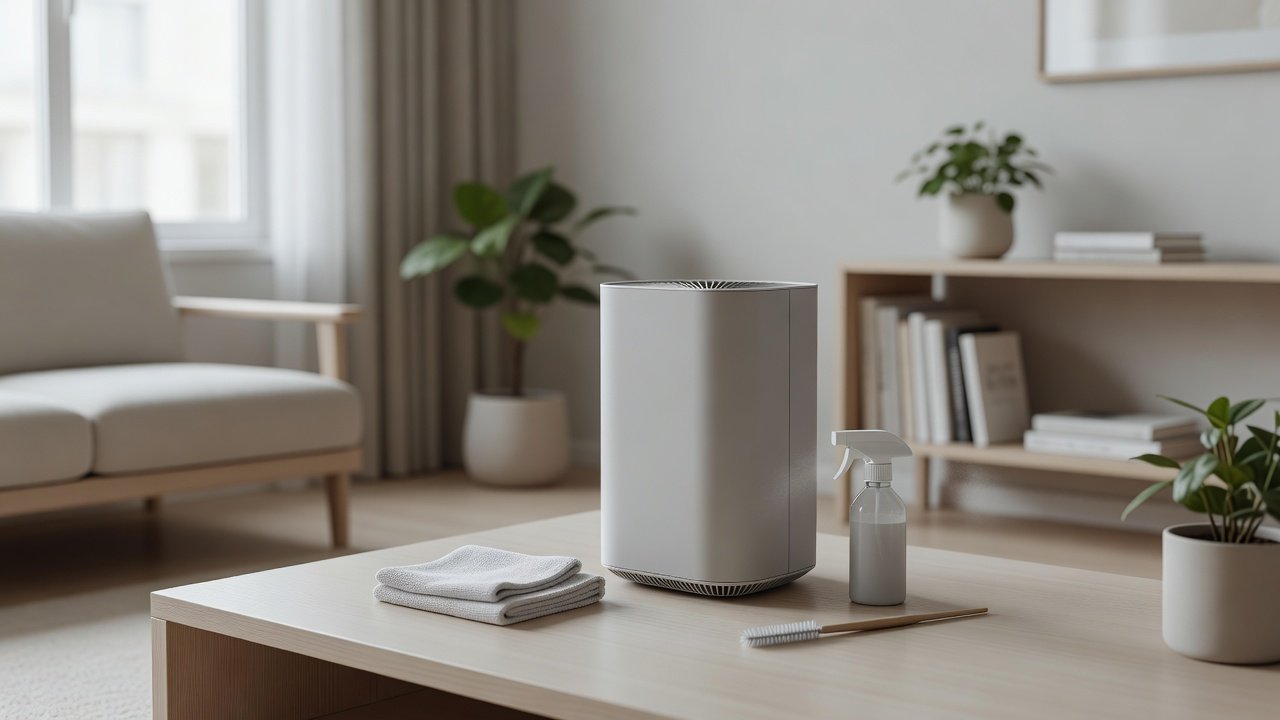
A vacuum with a soft brush attachment, microfiber cloths, a soft brush, cotton swabs, a flashlight and spare filters cover most needs. Keep them clean. Avoid abrasive pads and strong chemicals.
How Often to Clean
Weekly dusting, monthly vacuuming of vents and the pre-filter, a quarterly look at the main filter and fan area, and filter replacement on schedule suit most homes. Dusty, smoky or pet homes need more.
If You Have Already Made a Mistake
If a part got wet, unplug and dry it, and replace damp filters. If liquid got into vents, let the unit dry for a day and test on low. If the unit behaves oddly, contact the manufacturer. Do not keep running a unit you suspect is damaged.
Warranty and Manuals
Keep the manual and receipt. Follow the manual to protect your warranty. If you lost the manual, find it on the maker’s website using the model number.
How to Choose
- Look for easy filter access
- Check for washable pre-filters
- Compare replacement filter costs
- Match the CADR to the room
Do
- Match the unit’s rated coverage to your room first
- Run it consistently, not only when the air feels bad
- Leave space around the unit for airflow
- Replace filters on the maker’s schedule
Don’t
- Do not buy on looks or price alone
- Do not block the intake or exhaust
- Do not skip filter changes
- Do not expect a purifier to fix every source of pollution
Honest Limits
- This guide uses manufacturer information and public guidance from the EPA and AHAM, not our own lab tests.
- Features and room ratings change between model years, so confirm on the listing before you buy.
- A purifier is not a medical device and does not replace medical advice or treatment.
Who Should Skip This
When to See a Professional
Frequently Asked Questions
What is the safest way to clean the exterior?
A dry or barely damp microfiber cloth.
Can I wash filters?
Only washable pre-filters, if the manual says so.
Can I use compressed air?
Avoid it on HEPA filters and into electronics.
What if I damaged a part?
Contact the manufacturer for replacement parts.
Bottom Line
Clean an air purifier safely by unplugging it, vacuuming vents and the pre-filter with a soft brush, wiping the housing with a barely damp cloth and replacing HEPA and carbon filters instead of washing them. Avoid sprays, steam, compressed air and running the unit damp.
Related reading: sens,fan,bed
Sources: EPA, Guide to Air Cleaners in the Home; AHAM Verifide.