Last updated:
Disclosure: As an Amazon Associate we earn from qualifying purchases. This does not change what we recommend. See our affiliate disclaimer.
In an office, an air purifier tends to be everyone’s responsibility and nobody’s job, which is why many office units end up with filters that are years old. A simple, written routine with a named owner keeps the unit working, protects the filters and avoids complaints about noise or smell. Shared spaces also bring extra considerations: shared use, cleaning products, desks and cables.
This guide covers a practical plan. We have not tested these products ourselves, so follow the manufacturer manual and your workplace’s own policies. If you are the tenant of a larger building, check with facilities before changing or placing equipment.
Good practice
- Assign an owner and a backup
- Check the pre-filter monthly
- Replace filters on schedule and log it
Avoid
- Placing the unit near the printer or the door of dust
- Using sprays on the unit
- Leaving cables across walkways
Key Takeaways
- Assign a named owner and a backup
- Check the pre-filter monthly and replace filters on schedule
- Place the unit with clearance and keep cords tidy
- Keep a simple maintenance log
Sample Office Maintenance Calendar
Weekly: glance at the indicator and airflow. Monthly: pre-filter check, housing wipe, cord check. Quarterly: inspect the main filters. Every six to twelve months: replace filters. Annually: review the unit, its placement and whether the room size has changed.
Multiple Units in Larger Offices
In larger offices, several units placed to cover different zones may work better than one big unit. Size each for its zone and keep them on the same schedule. Label each unit with its model and filter dates.
Budget and Purchasing
Plan an annual filter budget, buy filters in multipacks if available and keep spares on site. Compare the cost of filters over three years when choosing a unit. Check whether warranty terms cover commercial use.
Remote and Hybrid Workspaces
If the office is used irregularly, the unit may not need to run on high all the time. Use an auto or timer mode where available, and check filters on a calendar basis, not only by running time. Dust can still settle when the office is empty.
Choosing a Location for an Office Unit
Look for a spot near the main work area but away from direct drafts and the noisiest equipment. A corner location can trap air and reduce circulation, so keep the unit a little way from walls. Check that the cord can reach an outlet without crossing a walkway. Avoid placing it under a vent that blasts air at the intake.
Open-Plan Offices and Meeting Rooms
In open-plan offices, a few mid-sized units spaced around the floor may help more than one large one. Meeting rooms need a unit sized for the room and used before and during meetings. Check the CADR for each area and keep the units on the same schedule so that nobody forgets one.
Cleaning Without Disrupting Work
Schedule filter changes outside peak hours, work on a drop cloth and take used filters straight to a bin. Avoid shaking filters over desks. Tell colleagues in advance so that a unit being offline does not cause concern. A short, tidy routine avoids interruptions.
Electrical and Fire Safety in the Office
Plug into a wall outlet or a surge-protected strip rated for the load. Do not daisy-chain strips. Keep the unit away from curtains and paper stacks, and keep exits clear. Report any burning smell or hot plug to facilities and unplug the unit if it is safe to do so.
Allergy and Sensitivity Considerations
Some colleagues are sensitive to dust or fragrance. Avoid scented products near the unit and keep it clean. Do not use ozone or fragrance-emitting devices in shared spaces. Direct health questions to occupational health or a healthcare professional.
Documenting Maintenance for Compliance
If your workplace has indoor air quality policies, keep records of filter changes and checks. Store the manual and warranty information with the log. Share the plan with facilities and new staff. Documentation shows that the equipment is looked after.
After Hours and Weekend Settings
Offices that are empty at night may not need the unit on high speed. Use a timer or an auto mode if available, and keep a low continuous setting if dust or odors are a concern. Check that the schedule does not leave the unit running in an unattended space in a way that conflicts with workplace rules.
Handover When the Owner Leaves
When the person responsible changes, hand over the log, the manual and the spare filters. Tell the new owner where the maintenance calendar is and how to reorder filters. A one-page handover note prevents lapses and keeps the unit in working order.
Air Purifiers for Offices
For an office, look for a CADR that fits the room, a quiet low speed and affordable filters. These picks come from the Hostinger affiliate plugin. Specs change by model year, so confirm features, noise levels and replacement costs on the product page.






Assign Responsibility
Name one person responsible for the purifier and one backup. Put the maintenance calendar in a shared place, and write the install dates on the filters. A clear owner prevents filters from going years without a change. Ask facilities if there is a service plan in place.
Set a Monthly Check
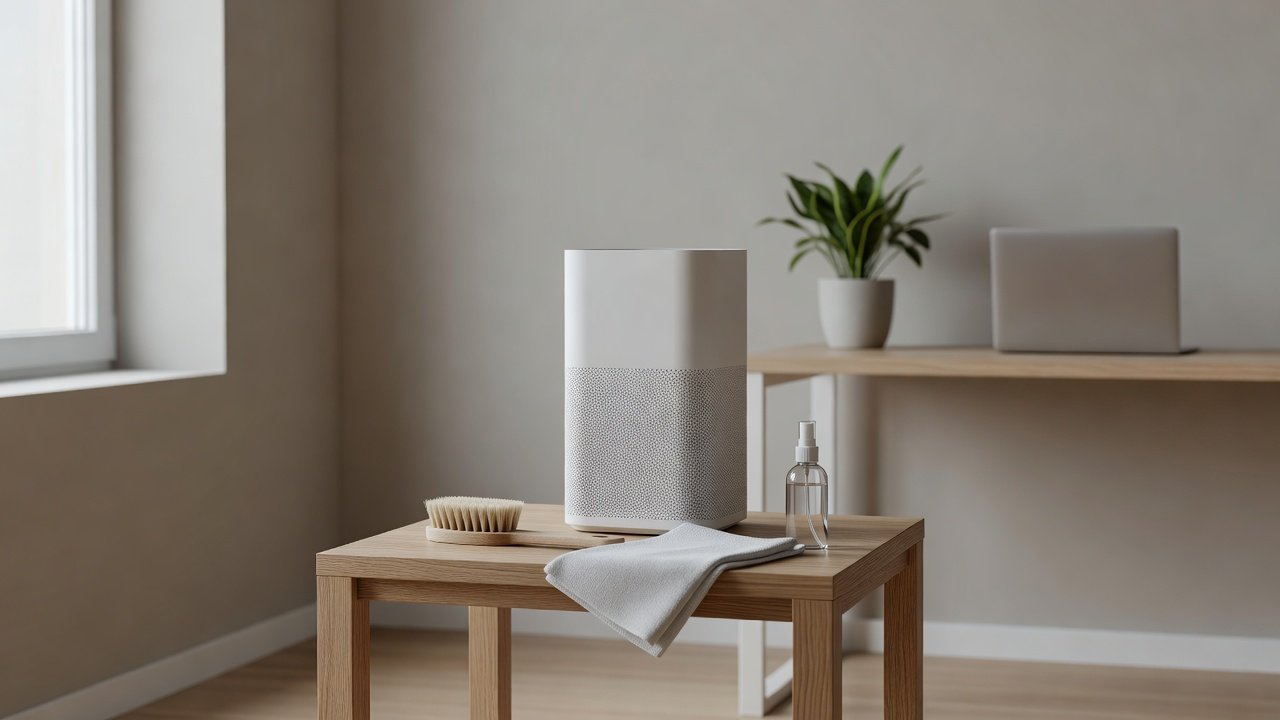
Once a month, unplug the unit and check the pre-filter, the intake grille and the housing. Vacuum the pre-filter or wash it as the manual allows. Wipe the housing with a barely damp cloth. Check the cord and plug. Log the date. This takes five to ten minutes.
Replace Filters on Schedule
Replace the HEPA and carbon filters on the manufacturer’s schedule, shorter if the office is dusty, near a kitchen or has heavy foot traffic. Keep spare filters in a labeled box. Dispose of used filters in a bag in the regular trash. Wear gloves and wash hands.
Placement in a Shared Space
Place the unit where air can circulate, with clearance on all sides, away from direct sun and heaters. Avoid placing it right next to a printer, a door that lets in dust or a desk where noise will bother someone. Keep cords tidy and out of walkways. Place it on a stable surface.
Cleaning Products and Noise
Use cleaning wipes only if the manual allows them on the housing. Do not spray anything onto vents. For noise, choose a unit sized for the room so that it can run on a low speed. Use night or quiet modes where available and check the fan speed policy with colleagues.
Dust Sources in Offices
Paper, carpet tiles, printers, upholstery and foot traffic all create dust. Place the unit away from the busiest paths and check filters more often if the office has a lot of paper or a print room. Regular vacuuming with a sealed-filter vacuum reduces the load.
Shared Cleaning and Janitorial Staff
Tell cleaning staff not to spray near the unit and not to unplug it without asking. Provide a short note on the unit with the owner’s name and instructions. If a janitorial company is responsible for the space, ask them what is permitted.
Record Keeping and Reminders
Keep a simple log on the unit or in a shared document: install date, next change date, who checked the pre-filter and when. Add reminders to a shared calendar. This helps with audits, handovers and complaints.
Staff Questions and Complaints
Common questions include noise, drafts and smell. Check the fan speed, filter age and placement. Share the plan so that staff know the unit is maintained. If someone has a health concern, suggest they speak with a healthcare professional and facilities.
Policy and Safety
Check workplace rules about electrical equipment and power use. Use the unit as the manual directs, avoid ozone-producing devices and do not let the unit block exits or walkways. Report damaged cords or smells of burning immediately.
How to Choose
- Choose a CADR suited to the room size
- Look for a quiet low speed
- Check filter costs and availability
- Check warranty terms for commercial use
Do
- Match the unit’s rated coverage to your room first
- Run it consistently, not only when the air feels bad
- Leave space around the unit for airflow
- Replace filters on the maker’s schedule
Don’t
- Do not buy on looks or price alone
- Do not block the intake or exhaust
- Do not skip filter changes
- Do not expect a purifier to fix every source of pollution
Honest Limits
- This guide uses manufacturer information and public guidance from the EPA and AHAM, not our own lab tests.
- Features and room ratings change between model years, so confirm on the listing before you buy.
- A purifier is not a medical device and does not replace medical advice or treatment.
Who Should Skip This
When to See a Professional
Frequently Asked Questions
How often should an office purifier be maintained?
A monthly pre-filter check and filter changes on the manufacturer schedule, sooner in dusty offices.
Who should be responsible?
A named person with a backup, ideally coordinated with facilities.
Can staff use disinfectant wipes on it?
Only if the manual allows. Never spray into vents.
Where should it go?
With clearance, away from printers and dusty doorways, on a stable surface.
Bottom Line
In an office, assign an owner for the air purifier, check the pre-filter monthly, replace filters on schedule and log each task. Place the unit with clearance, keep cords tidy and avoid sprays. A simple, written routine keeps the unit effective and the office comfortable.
Related reading: sens,fan,bed
Sources: EPA, Guide to Air Cleaners in the Home; AHAM Verifide.