Last updated:
Disclosure: As an Amazon Associate we earn from qualifying purchases. This does not change what we recommend. See our affiliate disclaimer.
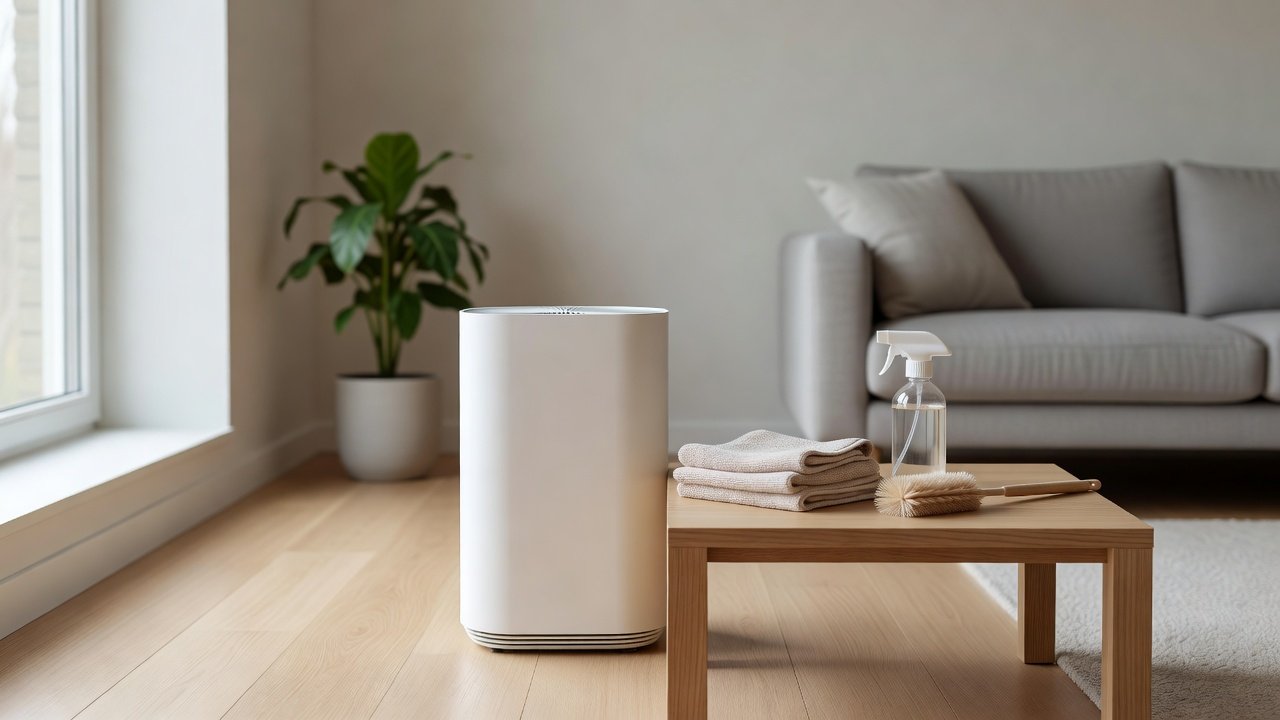
Many people run their air purifier around the clock, especially in bedrooms, homes with pets or smoke-prone areas. Continuous running is fine for most units, but it means filters load faster and the fan works more hours, so a regular maintenance routine matters more than it would for an occasional-use unit.
This guide offers a schedule and a method for a purifier that runs 24/7. We have not tested these products ourselves, so follow the manufacturer manual and schedule. If you notice a burning smell, unusual heat or a failing fan, stop using the unit and contact the manufacturer.
Maintenance rhythm
- Pre-filter every two to four weeks
- Housing and grilles monthly
- Main filters on the manufacturer schedule or earlier
Watch for
- Weaker airflow
- Louder fan
- Odors or heat
Key Takeaways
- Continuous use loads filters faster, so keep a firm schedule
- Check the pre-filter every two to four weeks and the main filters monthly
- Watch for weaker airflow, louder fans, odors or heat
- Stop using the unit if it smells of burning or overheats
Keeping a Maintenance Log
Record the install date of each filter, each pre-filter clean and any issues. Note the hours of use if your unit shows them. A log helps you predict when filters will need replacing and gives support the facts if you call about a problem.
Spare Filters and Spare Pre-Filters
Keep a spare main filter set on hand so that you can replace on time. A spare pre-filter, if available, lets you swap in a clean one while the other dries. Store spares in sealed packaging in a clean, dry place away from strong odors.
Humidity, Mold and Continuous Running
In a humid room, continuous running can load damp dust. Keep humidity around 30 to 50 percent and ventilate. If a filter feels damp or smells musty, replace it, and check the unit for moisture. Avoid placing the purifier in a bathroom.
Placement for Continuous Use
Keep several inches of clearance around the unit. Place it on a stable, level surface away from heat sources and direct sun. Keep cords tidy and out of reach of pets and children. A good location keeps airflow healthy and makes cleaning easier.
What Happens to Filters Over a Full Year of Continuous Use
A unit that runs 24 hours a day moves roughly three times as much air as one that runs eight hours a day. In practical terms, a filter rated for six to twelve months of typical use may reach the end of its useful life earlier. Pre-filters may need cleaning twice as often. Watching how quickly the pre-filter loads in your first months gives you a feel for your home and lets you set a realistic schedule.
Choosing a Speed for Long-Term Running
A low or medium speed is usually enough to keep air moving through a room for continuous use, especially if the unit is sized properly. High speeds are best for short bursts after cooking, cleaning or other dust-raising activities. Using auto mode, if available, lets the unit raise its speed when its sensor detects more particles, then settle down again.
Handling Power Cuts and Restarts
After a power outage, some units resume their previous settings and others restart on a default setting. Check your unit after an outage and reset your preferred speed or mode. If the unit does not restart, check the plug, outlet and any reset button, as the manual describes. If the unit trips the outlet or breaker repeatedly, stop using it and contact the manufacturer.
Planning Replacement Costs for Continuous Use
Because filters wear faster, budget for replacements. Compare the cost per month of different filters, including genuine and compatible options, and avoid choosing a unit with expensive, hard-to-find filters. A washable pre-filter reduces cost. Buying filters before they are needed prevents gaps in protection.
Warning Signs to Respond To
For a unit that runs continuously, treat new behavior as a signal. A drop in airflow means a loaded filter. A new whine or rattle means a loose part or wear. A burning smell, hot casing or tripping outlet means stop and unplug. A musty smell means damp filters. Responding early prevents bigger problems and keeps the air cleaning working.
Air Purifiers Suited to Continuous Use
If you are choosing a unit for 24/7 running, look for a size that lets you use a low speed, a quiet night mode and affordable replacement filters. These picks come from the Hostinger affiliate plugin. Specs change by model year, so confirm CADR, noise levels and filter costs on the product page.






Why Continuous Running Changes Maintenance
Running the unit all day means more air passes through the filters, so they load faster and reach their capacity sooner than the nominal schedule may suggest. The motor also runs for more hours, so keeping airflow clear is important. A clean pre-filter and open vents protect the main filters and the fan, and they help the unit work at a lower speed for a given result.
Set a Calendar
Pick a recurring date for a quick check, such as the first weekend of each month. Check the pre-filter every two to four weeks, wipe the exterior and grilles monthly and inspect the main filters each season. Write the install date of each filter on the filter or in a log. A simple recurring reminder on your phone keeps the routine going.
Cleaning the Pre-Filter
Unplug the unit and remove the pre-filter. Vacuum or rinse it as the manual allows, squeeze gently and dry it fully. In a 24/7 setting, a spare pre-filter, if available, lets you swap in a clean one at once so that the unit is not off for long.
Housing, Intake and Fan Area
Brush dust from the grilles and wipe the housing with a barely damp cloth. Look into the intake with a torch for debris. Do not touch the fan blades. Check the cord and plug for heat or damage, since a unit that runs all day should have an intact, cool cord.
Main Filters: Inspect and Replace
Inspect the HEPA and carbon filters monthly for discoloration, damp patches and odors. Replace them on the manufacturer’s schedule, or sooner in dusty, smoky or pet-heavy homes. Do not wash HEPA or carbon filters unless the manual says so. Keep a spare set so that you can swap promptly.
Energy Use and Running Costs
Continuous operation uses electricity, but many purifiers draw modest power at low speeds. Check the unit’s rated power in the manual or on the product page and estimate the cost with your local rate. Running at a lower speed generally uses less power and is quieter. Keep filters clean, since a clogged filter makes the motor work harder.
Night Mode and Sleep
If the unit runs in a bedroom, use a night or sleep mode that lowers the fan speed and dims the lights. Place the unit so that the airflow does not blow directly on you. Clean the pre-filter regularly so that the sound stays steady. If the noise changes, check the filters and seating.
Overheating and Safety With Long Running
Continuous running is normal for many units, but a hot casing, a burning smell or repeated shutdowns are not. Make sure the unit has clearance, the filters are clean and the cord is intact. Do not cover the unit. Plug it directly into a wall outlet if the manual allows. If you notice any of the warning signs, unplug the unit and contact the manufacturer.
Pets, Smoke and Wildfire Seasons
Pet hair, smoke and wildfire seasons load filters much faster. Check the pre-filter weekly during these times and replace main filters sooner. Keep a spare set. If outdoor air is very poor, keep windows closed and use recirculation in the vehicle, following local guidance.
When to Take a Break or Replace
If the unit is old, the fan noise is rising, parts are unavailable or the unit no longer keeps up, a replacement may be appropriate. Compare repair cost, warranty and replacement filters. A new unit sized to the room may run quieter and cost less to run than an old one at high speed.
How to Choose
- Size the unit so that a low speed is enough
- Check the noise at low speed
- Prefer affordable, easy-to-find replacement filters
- Look for a washable pre-filter
Do
- Match the unit’s rated coverage to your room first
- Run it consistently, not only when the air feels bad
- Leave space around the unit for airflow
- Replace filters on the maker’s schedule
Don’t
- Do not buy on looks or price alone
- Do not block the intake or exhaust
- Do not skip filter changes
- Do not expect a purifier to fix every source of pollution
Honest Limits
- This guide uses manufacturer information and public guidance from the EPA and AHAM, not our own lab tests.
- Features and room ratings change between model years, so confirm on the listing before you buy.
- A purifier is not a medical device and does not replace medical advice or treatment.
Who Should Skip This
When to See a Professional
Frequently Asked Questions
Is it okay to run an air purifier 24/7?
Many units are designed for continuous use. Check your manual and keep up with filter maintenance.
How often should I clean it if it runs all the time?
Pre-filter every two to four weeks, housing monthly, main filters per the schedule or sooner.
Will it use a lot of electricity?
Usage depends on the model and speed. Check the rated power and use lower speeds when you can.
What if it feels hot?
Unplug it, check the filters and clearance, and contact the manufacturer if heat persists.
Bottom Line
A purifier that runs 24/7 needs a steady routine: check the pre-filter every few weeks, wipe the housing monthly and replace main filters on or ahead of schedule. Keep vents clear, watch for weaker airflow or new noise and stop using the unit if it smells of burning or overheats.
Related reading: sens,fan,bed
Sources: EPA, Guide to Air Cleaners in the Home; AHAM Verifide.