Last updated:
Disclosure: As an Amazon Associate we earn from qualifying purchases. This does not change what we recommend. See our affiliate disclaimer.
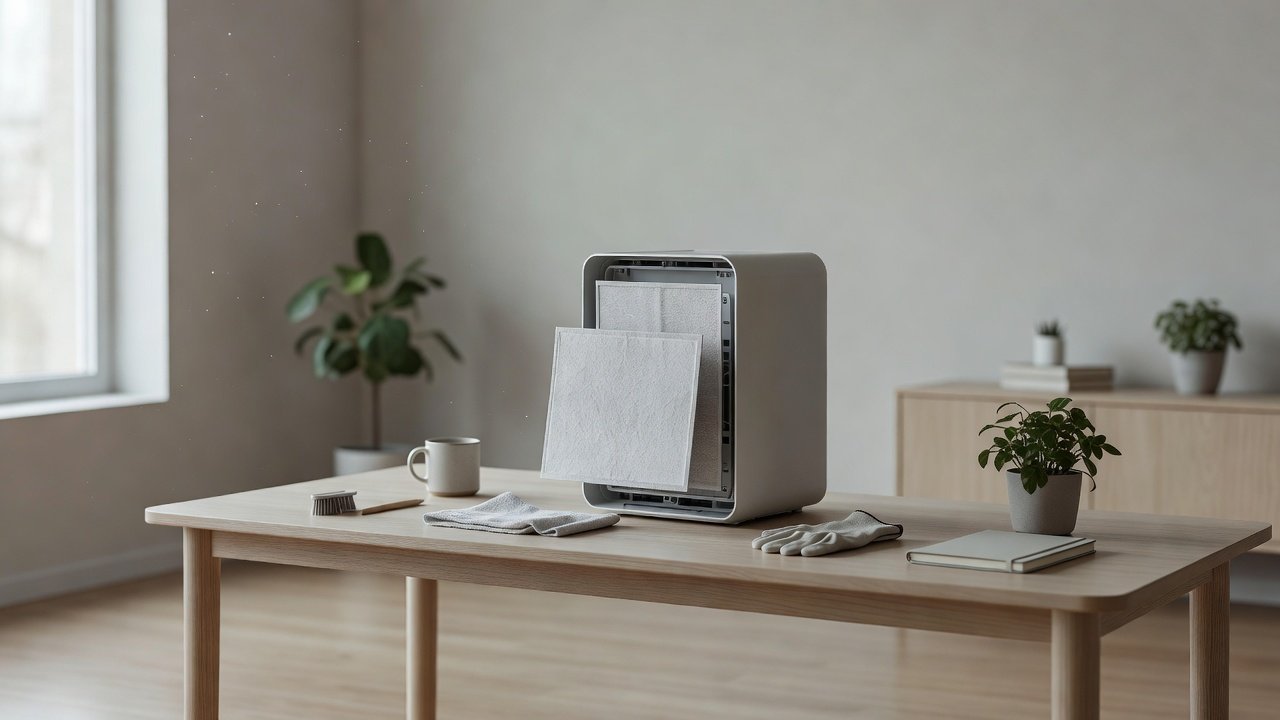
Airflow is what makes an air purifier work: the more air it moves through its filters, the more air it can clean. When airflow drops, the cause is almost always something blocking the path, such as a clogged pre-filter, a saturated main filter, dusty grilles or poor placement. Cleaning the right parts in the right order restores it.
This guide gives a step-by-step approach. We have not tested these products ourselves, so follow the manual. Unplug the unit before cleaning and do not touch the fan blades or electronics.
Most common blockers
- Clogged pre-filter
- Saturated main filter
- Dusty intake and grilles
Quick wins
- Clean the pre-filter
- Brush the grilles
- Give the unit clearance
Key Takeaways
- Weak airflow is usually a clogged pre-filter or saturated main filter
- Clean the pre-filter and replace loaded main filters
- Brush the intakes and grilles and give the unit clearance
- Check the filter model and seal if airflow stays weak
Testing Airflow With Simple Tools
A tissue held near the outlet or a lightweight strip of paper shows whether the air flows evenly. A phone anemometer app is not very accurate but can give a rough comparison. Compare at the same speed and distance before and after cleaning. A clear improvement confirms you found the cause.
Seasonal Airflow Checks
Check airflow before the pollen, heating and wildfire seasons. Replace or clean filters ahead of time. After a season of heavy use, check the filters again. This rhythm keeps the unit ready when you need it most.
When Airflow Stays Weak After Cleaning
If airflow stays weak with clean filters and clear vents, the fan or motor may be failing, a part may be misaligned or the wrong filter may be installed. Check the manual, confirm the filter model and contact the manufacturer. Do not open sealed parts.
Choosing a Replacement for Better Airflow
Choose a unit with a CADR matched to your room, easy filter access and a good seal. Check noise levels, filter costs and warranty. A properly sized unit works better at lower speeds and tends to be quieter.
A Closer Look at the Pre-Filter, Main Filter and Grille Path
Air enters through the intake grille, passes the pre-filter, moves through the main filter and carbon layer and then past the fan to the outlet. A blockage anywhere along this path lowers airflow, so cleaning works best when you follow the path in order. Start at the grille, move to the pre-filter, inspect the main filter and finish at the outlet. Missing a stage means leaving a restriction in place.
Pleat Condition and Filter Age
In a pleated HEPA filter, the pleats should be evenly spaced, with a visible surface. If they are crushed, collapsed or coated in a gray layer, airflow suffers. An old filter that looks clean can also be clogged internally with fine particles you cannot see. Rely on the replacement schedule and airflow, not only on appearance.
Filter Seals and Bypass Leaks That Look Like Weak Airflow
A filter that does not seal sends some air around the edge, so the unit seems to move air but cleans less. Check the gasket, the filter seat and the cover. If you feel air escaping at the seams, reseat the filter. Fixing a bypass leak improves performance even if the airflow at the outlet feels the same.
Comparing Airflow Across Speeds
At each speed, airflow should rise steadily. If the difference between low and high is small, the filter may be clogged or the fan may be struggling. If the fan seems to run faster but air does not increase, restriction is likely. Note the behavior at each speed when you describe the problem to support.
Planning Airflow Maintenance Around the Seasons
Spring pollen, summer smoke, autumn leaf dust and winter heating dust each load filters differently. Plan checks just before each season and just after. Keep spare pre-filters and main filters on hand so that you can restore airflow without waiting for delivery. Over time you will learn your own home’s rhythm.
Quick Airflow Wins Checklist
Remove any plastic wrap from new filters. Confirm the filter arrows point the right way. Clean the pre-filter. Brush the grilles. Move the unit away from walls and curtains. Check that the cover is fully closed. Run on the speed you normally use and compare airflow with the tissue test. Most airflow complaints are solved by this short list without buying anything.
How Much Does Airflow Affect Energy Use?
A clogged filter makes the motor work harder for less air, which can slightly raise energy use and certainly raises noise. Clean filters let the motor run at a lower speed for the same result. Over a year of continuous use, the difference can matter, and it also extends the life of the fan.
Air Purifiers With Strong, Easy-to-Maintain Airflow
If you are choosing a unit, look for a CADR suited to your room, a washable pre-filter and filters that are easy to reach. These picks come from the Hostinger affiliate plugin. Specs change by model year, so confirm CADR, filter types and costs on the product page.






Check the Airflow First
Hold a hand or a tissue near the outlet at a fixed speed and compare it with how it felt when the unit was new. Weaker airflow, a louder fan or a long time to clear the air are signs of restriction. Check whether the filter indicator is on and note how long since the last filter change.
Clean the Pre-Filter
The pre-filter is the first line of defense and the quickest win. Remove it, vacuum or rinse it as the manual allows, squeeze gently and dry it fully. A washable foam or mesh pre-filter that has been neglected can reduce airflow dramatically, and cleaning it often brings a noticeable difference.
Inspect and Replace Main Filters
HEPA and carbon filters that are gray, matted, damp or past their schedule restrict airflow. They are generally replaced, not washed. Install the new filter with the arrows in the right direction and make sure it seats flat against its seal. Reset the timer if your model has one.
Clean Intakes, Grilles and the Housing
Dust packs into grilles and vents. Brush them with a soft brush and vacuum gently. Wipe the housing with a barely damp cloth. Look into the openings with a torch. Do not insert tools into the fan. Dry everything before reassembly.
Improve Placement and Clearance
Leave several inches of clearance around the unit so that air can flow in and out. Keep it away from curtains, furniture and walls that block the intake or the outlet. Place it on a stable surface and avoid corners. Check the manual for the recommended distance.
Why Airflow Matters for Performance
The clean air delivery rate describes how much clean air a purifier delivers, and it depends on both the filter and the volume of air moved. A clogged filter lowers airflow and so lowers the effective CADR. The AHAM guideline of a CADR about two-thirds of the floor area assumes the unit is working properly, so keeping airflow healthy keeps the unit in line with its rating.
Common Mistakes That Reduce Airflow
Putting the unit in a corner, against a wall or behind furniture. Leaving a protective plastic wrap on a new filter. Installing a filter backwards. Using a filter that is the wrong size. Letting the pre-filter clog for months. Running the unit on a low speed in a large room. Avoiding these mistakes keeps air moving.
Fan Speed and Noise Trade-Offs
Higher speeds move more air but make more noise. A larger unit on a lower speed can move the same air more quietly. If you find you need the highest speed all the time, the unit may be too small for the room or its filters may need attention.
Ducts, Vents and Room Airflow
Open doors and keep room vents clear so that air can circulate. A purifier works best in a room with doors closed, but other airflow sources, such as fans and vents, also affect how air moves. Place the unit where it can draw from the room’s main air paths.
How Often to Clean for Strong Airflow
Check the pre-filter every two to four weeks, the grilles monthly and the main filters each season. Check more often with pets, smoke or dust. Keep a log of dates and set reminders. Regular checks keep airflow stable.
How to Choose
- Match the CADR to the room size
- Prefer a washable pre-filter
- Look for easy-to-reach filters
- Check replacement filter costs
Do
- Match the unit’s rated coverage to your room first
- Run it consistently, not only when the air feels bad
- Leave space around the unit for airflow
- Replace filters on the maker’s schedule
Don’t
- Do not buy on looks or price alone
- Do not block the intake or exhaust
- Do not skip filter changes
- Do not expect a purifier to fix every source of pollution
Honest Limits
- This guide uses manufacturer information and public guidance from the EPA and AHAM, not our own lab tests.
- Features and room ratings change between model years, so confirm on the listing before you buy.
- A purifier is not a medical device and does not replace medical advice or treatment.
Who Should Skip This
When to See a Professional
Frequently Asked Questions
How can I tell if my airflow is weak?
Compare the airflow at the outlet with how it felt when new, and listen for a strained fan.
Will cleaning the pre-filter help?
Often yes. A clogged pre-filter is one of the most common causes of weak airflow.
Can I wash the HEPA filter?
Generally no. Replace it unless the manual says it is washable.
How much clearance does the unit need?
Check the manual. Several inches around the unit is common.
Bottom Line
To maximize airflow, clean the pre-filter, replace saturated main filters, brush the intakes and grilles and give the unit clearance. Compare airflow with a tissue or your hand before and after. If airflow stays weak, check the filter model and seal, and contact the manufacturer.
Related reading: sens,fan,bed
Sources: EPA, Guide to Air Cleaners in the Home; AHAM Verifide.