Last updated:
Disclosure: As an Amazon Associate we earn from qualifying purchases. This does not change what we recommend. See our affiliate disclaimer.
Some larger or more powerful air purifiers use two or more fans, or several fan modules, to move air through the filters. More fans can mean more places for dust to collect and more parts that must be kept clear. The good news is that cleaning the unit is not much harder, as long as you work methodically, keep electronics dry and do not touch the fan blades or motor.
This guide offers a general method. We have not tested these products ourselves, so follow your manual, since designs vary. Unplug the unit before any work. Do not insert tools or fingers into the fan area, and never run the unit with covers removed.
Safe to clean
- Pre-filters and washable parts as the manual allows
- Intake grilles and exterior
- Dust around accessible fan openings with a soft brush
Do not touch
- Fan blades and motors
- Wiring and circuit boards
- Sealed modules
Key Takeaways
- Clean each filter section and intake, and keep the fan blades untouched
- Replace loaded filters, and replace sets together if the manual advises
- Check that airflow is balanced across the outlets
- Stop and contact the maker for grinding, burning smells or heavy dust near the fans
Tools and Supplies
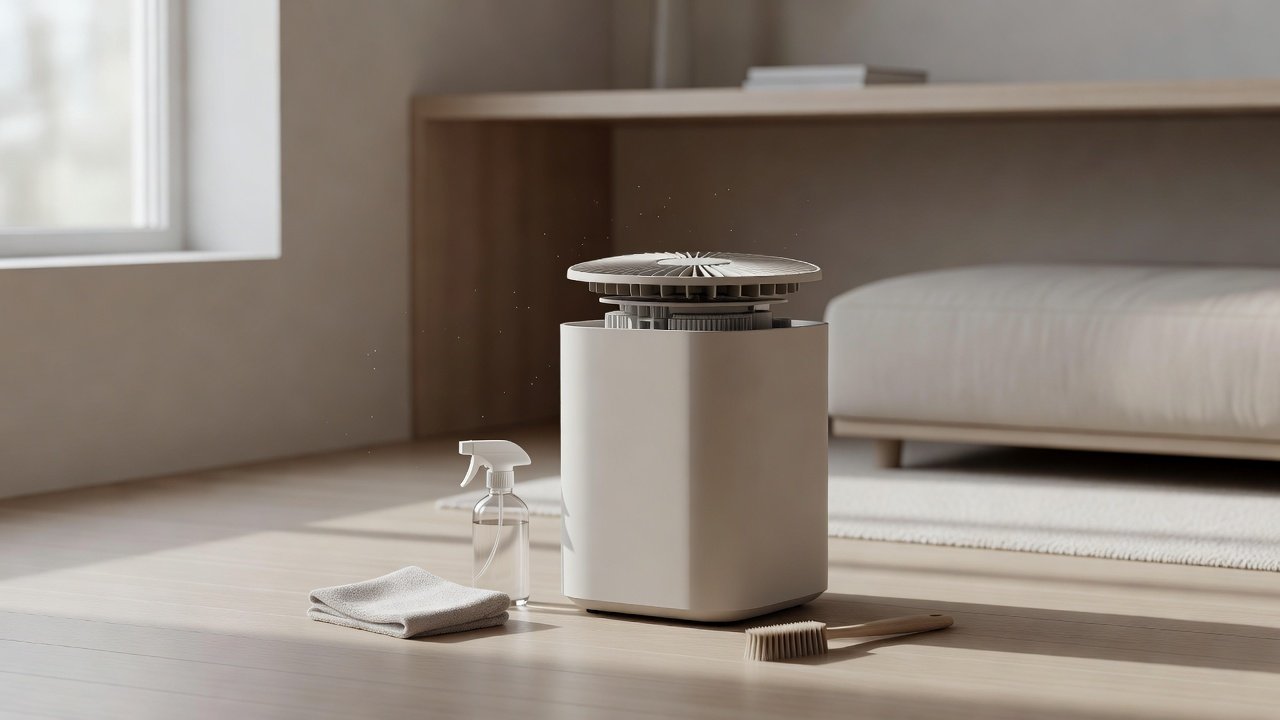
A soft brush, a vacuum with a brush attachment, microfiber cloths, cotton swabs, a small torch, a towel and a camera. Avoid compressed air, sharp tools and harsh chemicals. Keep the manual and a spare set of filters ready.
Checklist for Each Cleaning Session
Unplug. Photograph. Remove pre-filters. Clean. Inspect main filters. Brush grilles. Check intakes. Reassemble. Test each speed. Reset the timer. Log the date. A consistent checklist helps with multi-fan units that have more parts to track.
When to Replace the Unit
If one fan fails, parts are unavailable or the unit remains noisy after cleaning, compare the cost of repair with a new unit. Check the warranty. A larger multi-fan unit may be worth repairing if it is under warranty or well-suited to your space.
Choosing a Replacement
Check the CADR relative to your room size, the number and type of filters, the cost of replacements and the noise level at low speed. Fewer, larger filters are often easier to maintain than many small ones. Confirm details on the product page.
Why Larger Units Gather Dust Unevenly
In a unit with several fans, the airflow pattern depends on which fan is strongest, how the filters are arranged and where the unit sits in the room. Sections facing a dusty wall or a doorway will load faster than the others. Rotating the unit a quarter turn every season, if the manual allows, can even out the load, and checking each section on a regular schedule helps you spot uneven wear before it becomes a noise or performance issue.
Cleaning the Display and Controls
Wipe the control panel with a dry or barely damp microfiber cloth. Do not spray anything on the display. If the manual describes cleaning the sensor port, use a dry swab. Keep liquids away from buttons and seams. If a button sticks or the display flickers after cleaning, unplug the unit, let it dry and check the manual or contact support.
Handling Heavy Units Safely
Multi-fan units are often heavy. Lift with your legs, ask for help if needed and set the unit down on a stable surface. Do not tip it on its side unless the manual allows it. Keep the cord clear so that you do not trip. Unplug it fully before moving it, and never carry it by the control panel or the grille.
Spare Parts and Warranty Notes
Ask the manufacturer which parts are replaceable, such as filters, covers and grilles, and keep part numbers in your log. If a fan fails, do not try to replace it yourself unless the manufacturer provides a service procedure. Opening the unit may void the warranty. Contact support first and keep your purchase record.
Seasonal Checks for Large Units
Before the heating or smoke season, check all filter sections, clean the intakes and make sure you have spare filters. After the season, clean the unit and record the filter condition. If the unit will be stored, clean and dry it first, and store it in a clean, dry place.
Noise Checks During Cleaning
While the multi-fan unit is open and unplugged, spin nothing by hand and do not touch the blades. Once reassembled, run it for a few minutes at each speed and listen for scraping, rattling or a rhythmic beat. If you hear any of these, unplug the unit and re-check the seating of the filters and covers before using it again.
Air Purifiers to Consider for Larger Rooms
If you need more coverage, look for a unit sized to your room with accessible filters and a washable pre-filter. These picks come from the Hostinger affiliate plugin. Specs change by model year, so confirm CADR, filter types and replacement costs on the product page.






Why Multiple Fans Matter for Cleaning
Each fan pulls air through its own section of the unit, so dust can collect unevenly. One fan may run louder or push less air if its intake is clogged. Checking each intake and outlet and keeping each filter section clean keeps the airflow balanced. If one fan seems weaker or noisier than the others, look for a blocked intake or a loaded filter in that section first.
Preparation
Unplug the unit and let it cool. Lay a towel on a flat surface and take photos of the filters and covers. Find the manual diagram, which shows the filter sections and any access panels. Work in good light and keep small parts in a labeled cup.
Clean the Filters and Pre-Filters
Remove the pre-filters and clean them as the manual allows, by vacuuming or rinsing, and dry fully. Inspect the main filters in each section and replace any that are loaded, damp or past schedule. Replace all filters in a set together if the manual advises it, so that airflow stays balanced.
Clean the Intakes and Grilles
Brush dust from each intake and outlet grille with a soft brush and vacuum gently. Wipe the grilles with a barely damp cloth and dry. Look into each opening with a torch for visible debris and remove it carefully without inserting anything into the fan.
Dust Near the Fans
Do not remove the fan assembly or clean the blades yourself unless the manual describes it. If dust is visible on the blades, use a soft brush or a vacuum nozzle gently near, not touching, the area. For heavy build-up or noise, contact the manufacturer. Never use compressed air at close range, which can spin fans and damage bearings.
Reassemble and Test
Put the filters and covers back in order, close the unit and plug it in. Run each speed and listen for rattles or unusual noises. Check that air flows from each outlet and that the display shows no errors. Reset the filter timer if you replaced filters and record the date.
Balanced Airflow and Filter Replacement
If one filter is more loaded than the others, that fan section works harder. Replace filters together if the manual recommends it, and keep track of which section each filter came from. After cleaning, run the unit on a low speed and feel the airflow at each outlet to check it is even.
Noise and Vibration With Multiple Fans
Two fans spinning at slightly different speeds can produce a beating or humming sound. This is often normal, but a sudden change or a rattle suggests a loose part or a blocked intake. Check that the unit sits level, that all covers are seated and that nothing touches the fans.
Placement for Multi-Fan Units
Larger units need clearance for each outlet and intake. Keep several inches of space around them, avoid pushing them against walls and keep the area free of curtains and cords. A stable surface prevents vibration. Check the manual for the recommended distance.
How Often to Clean
Check the pre-filters every two to four weeks and the grilles monthly. Inspect main filters each season. Do a more thorough check twice a year. In dusty or pet-heavy homes, check more often. Keep a log and set reminders.
Safety Notes
Unplug before cleaning. Do not touch the fans or electronics. Do not use water near the fan area. Do not run the unit with covers off. If you hear grinding, smell burning or see damage, stop using it and contact the manufacturer.
How to Choose
- Match the CADR to the room size
- Look for accessible, labeled filter sections
- Prefer washable pre-filters
- Check replacement filter costs and availability
Do
- Match the unit’s rated coverage to your room first
- Run it consistently, not only when the air feels bad
- Leave space around the unit for airflow
- Replace filters on the maker’s schedule
Don’t
- Do not buy on looks or price alone
- Do not block the intake or exhaust
- Do not skip filter changes
- Do not expect a purifier to fix every source of pollution
Honest Limits
- This guide uses manufacturer information and public guidance from the EPA and AHAM, not our own lab tests.
- Features and room ratings change between model years, so confirm on the listing before you buy.
- A purifier is not a medical device and does not replace medical advice or treatment.
Who Should Skip This
When to See a Professional
Frequently Asked Questions
Can I clean the fan blades?
Only as the manual describes. Generally do not touch the blades or motor; contact the manufacturer if they are dirty.
Should I replace all filters together?
Follow the manual. Replacing in sets can keep airflow balanced.
Why is one fan louder than the others?
Often a blocked intake, loaded filter or loose part. Check those first.
How often should I clean?
Pre-filters every two to four weeks, grilles monthly, main filters per the manual.
Bottom Line
Cleaning an air purifier with multiple fans means cleaning each filter section and intake, keeping the fan blades and electronics untouched and checking that airflow is balanced. Unplug first, clean pre-filters, replace loaded filters, brush the grilles and test each speed. Contact the manufacturer for noise or heavy dust near the fans.
Related reading: sens,fan,bed
Sources: EPA, Guide to Air Cleaners in the Home; AHAM Verifide.