Last updated:
Disclosure: As an Amazon Associate we earn from qualifying purchases. This does not change what we recommend. See our affiliate disclaimer.
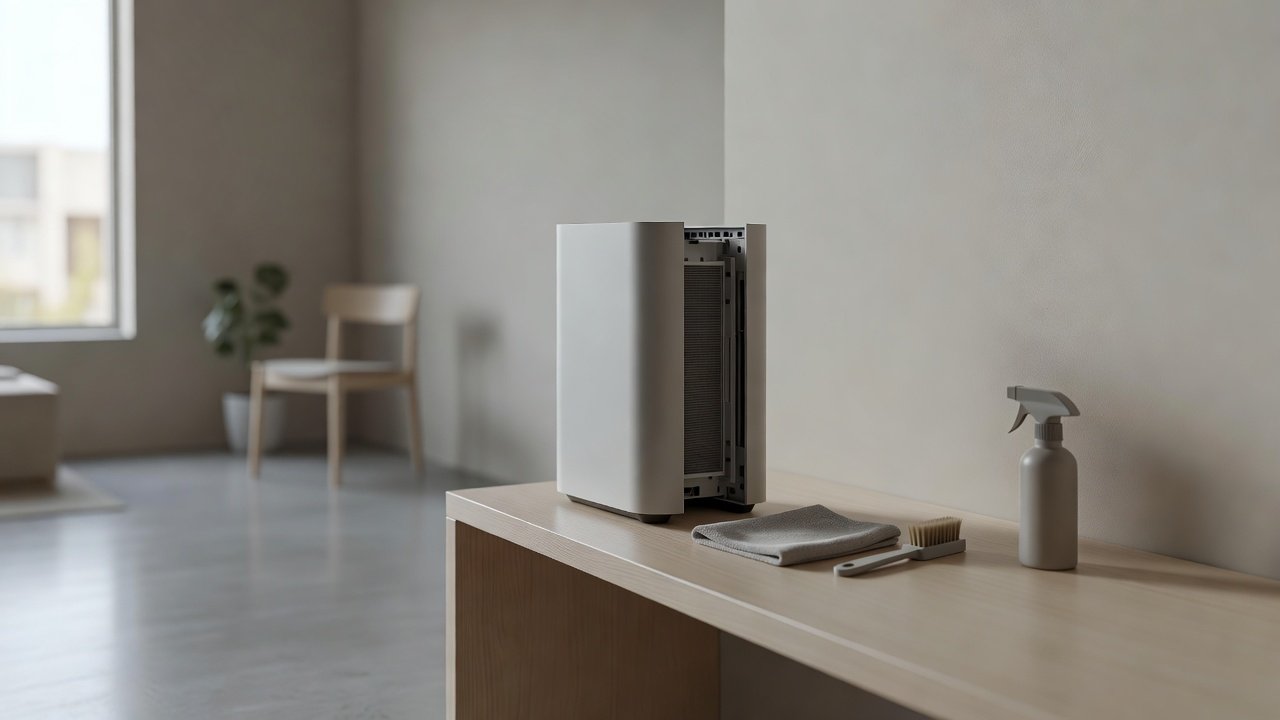
On many air purifiers, the back panel is also the air intake, often a large grille that covers the pre-filter or main filter. Because it faces the wall or the room’s dusty corners, it collects lint, pet hair and dust faster than the front. A blocked back panel reduces airflow, makes the fan work harder and can leave the unit sounding strained.
This guide shows how to clean the panel safely. We have not tested these products ourselves, so follow your manual, since some panels are removable and some are not. Unplug the unit first and keep liquids away from the electronics.
Safe steps
- Unplug first
- Brush and vacuum the grille
- Wipe with a barely damp cloth, then dry
Avoid
- Forcing the panel off
- Spraying cleaner
- Pressing on the sensor or the fan
Key Takeaways
- The back panel is often the intake and collects dust quickly
- Keep clearance from the wall and clean the grille every one to two months
- Remove the panel only if the manual allows
- Never spray liquid on the grille or sensor
A Short Checklist
Unplug. Move the unit away from the wall. Brush the grille. Vacuum. Wipe. Dry. Check clearance. Reinstall the panel. Test. Log the date. Keep the checklist with your manual.
Common Mistakes
Pushing the unit against the wall, never cleaning the back, using strong suction on a thin grille, wetting the grille too much or forcing a panel off. Avoid these to keep the unit working well.
Noise Changes After Cleaning the Panel
A clean intake should make the unit quieter at the same speed. If it is louder after you reassemble it, check that the panel is seated and the filter is correct. Re-check the cover and the latch.
Combining With the Rest of Your Routine
Include the back panel in your regular pre-filter check. Clean it when you replace main filters. This keeps the whole airflow path in good shape and reduces the chance of a sudden drop in performance.
How to Tell Whether Your Panel Is the Intake or the Outlet
Hold a tissue near the back and the top or front with the unit running. The side that pulls the tissue in is the intake, and the side that pushes it away is the outlet. Some units pull from the back and the sides and exhaust from the top. Others pull from the bottom. Knowing the path tells you where dust will collect and where clearance matters most.
Pre-Filter Behind the Panel
If the pre-filter sits behind the back panel, you will need to open or remove the panel to reach it. Take the panel off per the manual, slide the pre-filter out and clean it as described elsewhere in your routine. Reinstall it with the correct orientation. Some pre-filters are marked with an arrow or a label, so check before putting it back.
Cleaning Without Moving Heavy Units
A heavy tower or console unit can be awkward to pull away from the wall. Unplug it and slide it a short distance on a towel or mat to protect the floor. If it is too heavy, ask someone to help, and do not tip it unless the manual allows it. A long-handled brush or a vacuum with a slim attachment can reach a back grille if you can open a gap of a few inches.
Preventing Fast Dust Build-Up on the Back
Keep the area behind the unit clean, vacuum along the baseboard and avoid placing the unit against curtains, open shelving or thick carpet edges. A small stand or shelf to raise the unit can reduce floor dust uptake. In rooms with heavy foot traffic, consider a different location.
Signs You Need to Clean It Sooner
The unit runs louder than usual, airflow from the outlet is weaker, you see a gray film on the grille, hair is visible in the slots or the filter indicator comes on early. Any of these suggests the intake is partly blocked. A quick check and clean often fixes it in minutes.
Why Regular Back Panel Care Saves Money
A clean intake lets the fan run at a lower speed for the same result, which extends the life of the motor and the filters. It also reduces energy use slightly and cuts the number of times you need to replace the pre-filter. A few minutes every month or two is a small price for those benefits.
Air Purifiers With Easy-to-Clean Intakes
If a hard-to-reach intake is a nuisance, look for models with removable, washable pre-filters and accessible panels. These picks come from the Hostinger affiliate plugin. Specs change by model year, so confirm design details, filter costs and CADR on the product page.






Why the Back Panel Matters
If the intake is blocked, the unit cannot pull in enough air. The result is weaker cleaning, louder fan noise and, over time, more strain on the motor. If the back panel also covers the pre-filter, its condition matters even more. Placing the unit too close to a wall can block the intake in the same way.
Check the Placement First
Pull the unit a few inches from the wall or furniture if the back panel is the intake. Check the manual for the recommended clearance. Sometimes simply moving the unit improves airflow and cuts noise without any cleaning at all.
Clean the Grille
Unplug the unit. Brush the grille with a soft brush, working from top to bottom. Use a vacuum with a brush attachment at low suction. Wipe the surface with a barely damp microfiber cloth and dry it. Use a cotton swab for small slots. Do not spray anything onto the grille.
Remove the Panel If the Manual Allows
Some panels lift off, slide off or twist off. Look for a release latch, tabs or a diagram in the manual. Do not force it. When the panel is off, vacuum the pre-filter, wipe the panel and inspect the gasket. Reinstall carefully until it clicks.
Test and Maintain
Plug the unit in and run it on low, then medium and high. Check that air flows well and the noise is normal. Reset the filter reminder if you changed a filter. Clean the back panel every one to two months, or more often with pets or dust.
Pet Hair and Lint
Pet hair clings to the grille and wraps around slots. Use a lint roller or a damp rubber glove to gather hair, then vacuum. For lint, a soft brush and vacuum work well. In homes with pets, check the grille monthly or more often.
Wall-Mounted and Tower Designs
Wall-mounted units and some tower designs have intakes on the sides or back. Check the manual to see where the air enters and leaves. Keep these areas clear and clean them in the same way. Do not place objects in front of the intake.
Dust Behind the Unit
Dust builds up on the wall and floor behind the unit, where it can be pulled back in. Move the unit occasionally and wipe the wall, baseboard and floor. Vacuum the area. This reduces the dust that reaches the intake.
Sensors Near the Back Panel
Some units have air quality sensors near the intake. Keep the area clean, but do not press on or spray the sensor. If the manual describes sensor cleaning, use a dry cotton swab. A dirty sensor can cause the unit to run faster than needed.
When to Replace Parts
If the panel is cracked, warped or does not seat properly, ask the manufacturer for a replacement. A loose panel can whistle or vibrate. Do not repair it with tape that can block the airflow or peel inside the unit.
How to Choose
- Look for a removable, washable pre-filter
- Check that the intake is easy to reach
- Leave clearance around the unit
- Compare filter costs and availability
Do
- Match the unit’s rated coverage to your room first
- Run it consistently, not only when the air feels bad
- Leave space around the unit for airflow
- Replace filters on the maker’s schedule
Don’t
- Do not buy on looks or price alone
- Do not block the intake or exhaust
- Do not skip filter changes
- Do not expect a purifier to fix every source of pollution
Honest Limits
- This guide uses manufacturer information and public guidance from the EPA and AHAM, not our own lab tests.
- Features and room ratings change between model years, so confirm on the listing before you buy.
- A purifier is not a medical device and does not replace medical advice or treatment.
Who Should Skip This
When to See a Professional
Frequently Asked Questions
Is the back panel the intake on my purifier?
On many units yes. Check the manual for airflow direction.
Can I wash the back panel?
Only if the manual says it is washable. Otherwise wipe with a barely damp cloth.
How close to the wall can I put the unit?
Follow the manual, often several inches of clearance.
What if the panel will not come off?
Do not force it. Check the manual for a latch or whether it is meant to be removed.
Bottom Line
The back panel is often the intake and gets dusty quickly. Move the unit away from the wall, unplug it, brush and vacuum the grille, wipe it with a barely damp cloth and remove it only if the manual allows. Clean it every one to two months to keep airflow strong.
Related reading: sens,fan,bed
Sources: EPA, Guide to Air Cleaners in the Home; AHAM Verifide.