Last updated:
Disclosure: As an Amazon Associate we earn from qualifying purchases. This does not change what we recommend. See our affiliate disclaimer.
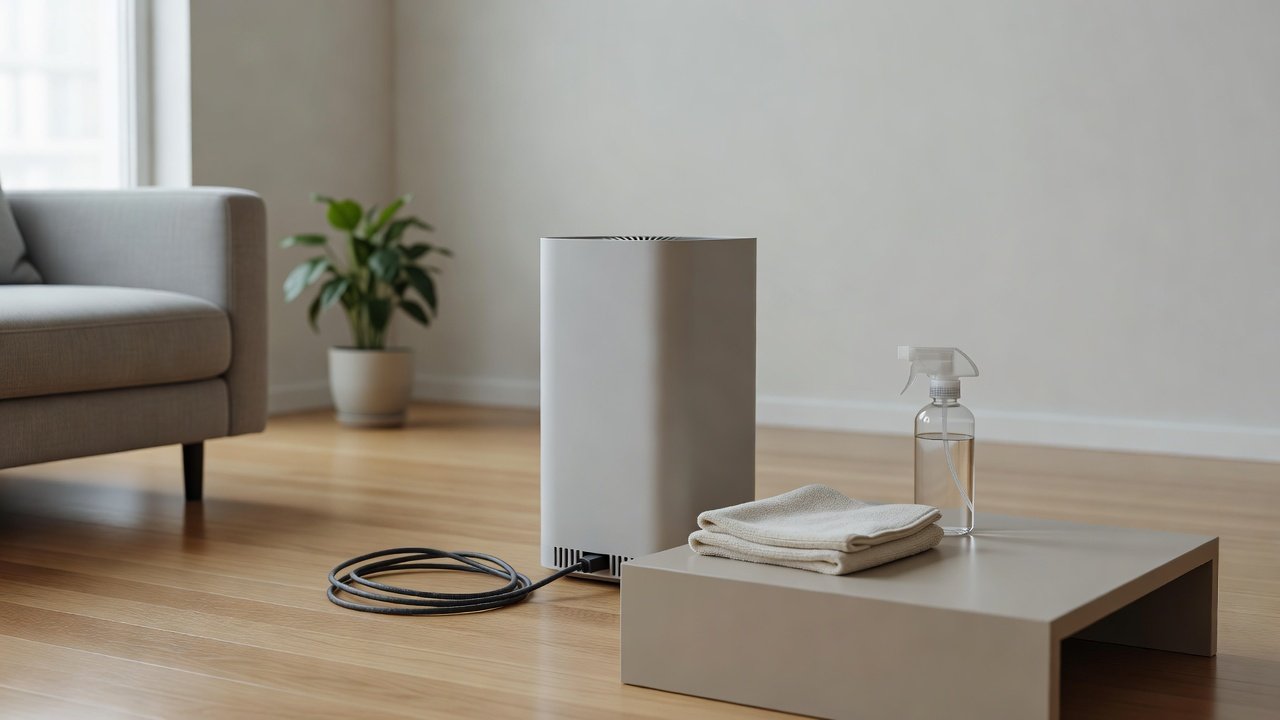
The power cord and plug of an air purifier gather dust, pet hair and kitchen grease, and because the unit usually runs for hours a day, the cord deserves an occasional look. Cleaning is simple, but it must be done safely: unplug the unit, never use liquids on the plug or the cord’s metal parts and replace or report any damage rather than repairing it with tape.
This guide shows how to clean and inspect the cord. We have not tested these products ourselves, so follow your manual. If the cord is damaged, hot or smells of burning, stop using the unit and contact the manufacturer.
Safe steps
- Unplug at the wall
- Wipe the cord with a dry or barely damp cloth
- Inspect for fraying, cracks or heat marks
Never
- Wet the plug or the metal prongs
- Use damaged cords
- Repair with household tape
Key Takeaways
- Unplug first and keep the plug dry
- Wipe the cord with a dry or barely damp cloth
- Inspect for cracks, exposed wires, heat marks and loose prongs
- Stop using the unit and contact the manufacturer if the cord is damaged
A Monthly Cord Check
Once a month, unplug the unit and look along the cord and the plug. Wipe dust. Check the outlet. Make a note in your log. This takes under a minute and can prevent a serious problem.
What to Tell the Manufacturer
Give the model number and purchase date, describe the damage and attach photos. Ask whether a replacement cord is available and whether the unit is still under warranty. Do not open the unit to replace the cord yourself unless the manual allows it.
Travel and Moving
When moving the unit, unplug it, coil the cord loosely and secure it with a tie. Do not wrap it tightly. Check the cord and plug when you set the unit up in the new place.
Safe Disposal of Damaged Units
If a unit has a damaged cord and cannot be repaired, dispose of it as electronic waste following local rules. Cut the plug only if local guidance or the manufacturer suggests it. Do not give a damaged unit to others.
Electrical Safety Basics Around the Cord
Keep the plug and outlet dry, never touch the plug with wet hands and do not use a unit with a cord that has been damaged by water. If the cord got wet, unplug at the breaker if you can do so safely, dry everything and have it checked before use. Safety comes first, and a replacement is cheaper than an accident.
How Plugs and Outlets Wear
Plugs loosen over time, prongs bend and outlets can lose their grip. A loose plug can arc and heat. If the plug wiggles in the socket or the outlet feels warm, stop using it and have an electrician look at the outlet. A fitted, stable connection is part of safe operation.
Choosing the Right Spot for the Cord and the Unit
Position the unit so the cord reaches the outlet without tension. Keep the cord away from the unit’s exhaust, heaters and sunny windows. Avoid running it across doorways or across a path where people walk. Use cord clips on baseboards if needed, never nails or staples through the cord.
Cord Length, Gauge and Replacements
If a cord is too short, move the unit or the furniture rather than stretching it. If you need a longer cord, check the manufacturer’s advice. Using a thin, long extension can overheat. For replacements, only use the manufacturer’s part or an exact equivalent specified in the manual.
Cleaning Other Cables, Adapters and Remotes
Smart units may use an adapter or a USB cable. Clean these the same way: unplug, wipe dry, inspect for damage and keep connectors dry. Do not use damaged adapters. Replace with the original or an approved equivalent.
Keeping a Safe-Home Habit
Check cords on all your appliances occasionally, not only the purifier. Test smoke alarms, replace damaged power strips and keep outlets uncluttered. Safe habits protect your home as well as your air purifier.
When a Cord Is Part of a Warranty Claim
Most warranties cover manufacturing defects but not damage from misuse, pets or modifications. Take photos of the damage and the model label before you contact support, and do not cut or alter the cord. Clear information speeds up the response and helps support decide whether a replacement cord or a service visit is appropriate.
Keeping Plugs and Outlets Free of Dust and Pet Hair
Dust and hair collect around plugs and outlets. Unplug the unit and vacuum around the outlet with a soft brush, never inserting anything into it. Wipe the plug body dry. A tidy outlet area reduces the chance of dust becoming a problem and makes inspections easier.
Air Purifiers to Consider
If a damaged cord means replacing your unit, look for a model with a sturdy cord, a clear warranty and good support. These picks come from the Hostinger affiliate plugin. Specs change by model year, so confirm features, cord details and replacement costs on the product page.






Unplug First, Always
Pull the plug by the body, not the cord, and unplug the unit from the wall. Let it cool if it was running. Keep water, sprays and cleaners away from the plug and the outlet. If you are working near the outlet and see any sign of moisture or damage, do not touch it until it is dry or checked.
Clean the Cord
Wipe the cord with a dry microfiber cloth. For sticky dust or grease, use a cloth barely dampened with water and a drop of mild soap, wiped along the cord and dried immediately. Do not soak or spray it. Keep the plug dry. Let everything dry before plugging in.
Inspect the Cord and Plug
Look along the whole length for cracks, cuts, flattened sections, exposed wires, kinks and discoloration. Check the plug for bent or loose prongs, scorch marks and a loose fit in the outlet. Feel the cord and plug after the unit has been running; they should not be hot. Any damage means stop using the unit.
Check the Outlet and Placement
Plug the unit directly into a wall outlet if the manual advises. Avoid overloaded power strips and damaged extension cords. Keep the cord clear of heat sources, doors, furniture legs and walkways. Leave a little slack and avoid sharp bends. Do not run the cord under rugs.
When to Replace
A damaged cord is a hazard. Do not repair it with tape. Contact the manufacturer about a replacement cord or service. If the unit is old and parts are unavailable, replace the unit. Dispose of the old unit as electronic waste.
Why Cords Get Damaged
Cords are stepped on, pinched in doors, chewed by pets, bent sharply behind furniture and pulled by the cable instead of the plug. Heat and grease can harden insulation. Look for these risks in your home and move the unit or protect the cord so that it is not in harm’s way.
Pets and Cords
Cats and dogs sometimes chew cables. Use cord covers designed for the purpose or keep the unit where the cord is out of reach. If you see teeth marks, stop using the unit and have the cord checked. Do not use bitter sprays on the cord without checking that they are safe for electronics.
Outlets, Surge Protectors and Extension Cords
Plug the unit directly into the wall if the manual says so. If you must use an extension cord, choose one rated for the load, kept short and in good condition. Do not daisy-chain strips. Check that the plug fits snugly. A loose fit can heat up.
Signs of Trouble to Act On
A warm or hot plug, a burning smell, buzzing or crackling, flickering power, a tripped breaker or discolored outlet are signs to unplug and stop. Do not keep using the unit. Contact the manufacturer and, if the outlet looks damaged, a qualified electrician.
Cable Management
Tidy the cord with a clip or a cable tie, leave a little slack and keep it away from walkways. Do not wrap the cord tightly around the unit during use. When storing, coil loosely. Good habits prevent most damage.
How to Choose
- Look for a sturdy, adequate-length cord
- Check the warranty and support
- Compare filter costs
- Match the CADR to the room size
Do
- Match the unit’s rated coverage to your room first
- Run it consistently, not only when the air feels bad
- Leave space around the unit for airflow
- Replace filters on the maker’s schedule
Don’t
- Do not buy on looks or price alone
- Do not block the intake or exhaust
- Do not skip filter changes
- Do not expect a purifier to fix every source of pollution
Honest Limits
- This guide uses manufacturer information and public guidance from the EPA and AHAM, not our own lab tests.
- Features and room ratings change between model years, so confirm on the listing before you buy.
- A purifier is not a medical device and does not replace medical advice or treatment.
Who Should Skip This
When to See a Professional
Frequently Asked Questions
Can I wipe the cord with a damp cloth?
Yes, barely damp, and keep the plug dry. Dry the cord immediately.
Can I tape a damaged cord?
No. Stop using the unit and contact the manufacturer.
Is it okay to use an extension cord?
Follow the manual. If you must, use a short, rated cord in good condition.
Should the plug get warm?
It should not be hot. Unplug and stop using the unit if it is.
Bottom Line
Unplug before cleaning the power cord, wipe it with a dry or barely damp cloth, keep the plug dry and inspect for damage. Stop using the unit if the cord is frayed, hot or smells of burning, and contact the manufacturer rather than repairing it with tape.
Related reading: sens,fan,bed
Sources: EPA, Guide to Air Cleaners in the Home; AHAM Verifide.