Last updated:
Disclosure: As an Amazon Associate we earn from qualifying purchases. This does not change what we recommend. See our affiliate disclaimer.
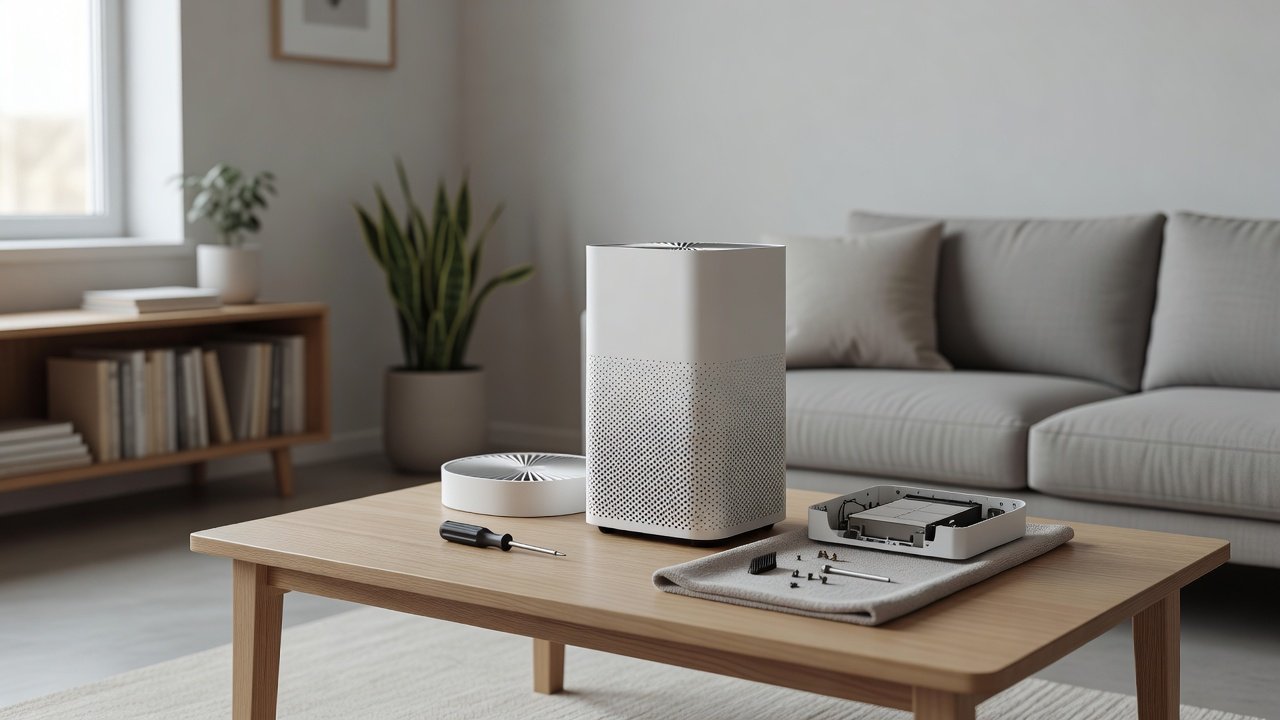
An air purifier that does nothing when you press the power button can be alarming, but the cause is often simple. Many units will not run if the cover is not closed, the filter is not detected, the child lock is on or the outlet has no power. A short series of checks, in a safe order, solves most cases.
This guide moves from the easiest checks to the most involved. We have not tested these products ourselves, so follow your manual. Unplug the unit before checking internal parts, and stop using it if you smell burning, see sparks or find a damaged cord.
Quick checks
- Outlet and breaker
- Cord and plug
- Cover and filter seated
Next checks
- Child lock or mode
- Power cycle and reset
- Contact support
Key Takeaways
- Check the outlet, cord and plug first
- Make sure the cover is closed and the filters are seated
- Check child lock and power cycle the unit
- Stop and contact support for burning smells or damage
Troubleshooting Checklist
Check outlet. Check cord. Check cover. Check filters. Check lock. Power cycle. Test again. Contact support. Keep notes for support.
What to Tell Customer Support
Give the model number, the purchase date, what happens when you press the button, any lights or beeps and the steps you tried. Photos of the unit and the label help. Ask about warranty coverage.
Preventing Future Power Problems
Use a wall outlet, avoid overloaded strips, protect the cord from damage, keep the unit dry and keep the filters and cover seated. Avoid unplugging the unit by pulling the cord.
Choosing a Replacement
Choose a model from a maker with accessible support and clear warranty terms. Check filter costs and the CADR for the room. Consider simple controls and good reviews from independent sources.
Understanding Safety Switches and Interlocks
Many purifiers include an interlock that cuts power when the cover is open or a filter is missing. This protects you from the fan. If the unit seems dead after a filter change, the interlock is the most likely cause. Open the cover, check for a small plunger or magnet and make sure nothing blocks it. Do not bypass or tape down a safety switch.
Using a Surge Protector Correctly
If you use a surge protector, check that its switch is on and its indicator light is lit. Some protectors wear out and stop passing power while still looking normal. Plug the purifier directly into the wall to rule the protector out. Avoid daisy-chaining power strips, and check the rating against the unit’s power draw.
Reading Lights, Beeps and Error Codes
Many purifiers signal problems with a blinking light or a beep pattern. A filter-change light, a sensor error or a fan fault may each use a different pattern. Find the code in the manual or on the maker’s support site. Noting the pattern before you call support saves time and often points straight to the fix.
Moving the Unit and Transit Damage
A unit that stopped working after a move may have a loose connector or a bent plug. Check that all packing material is removed and that the filter and cover are seated. If the unit was dropped, stop using it and contact support. Internal damage can be a safety risk even if the unit looks fine.
Seasonal and Storage Issues
Units stored in a garage or attic can collect dust, moisture or insects in the vents and around the switch. Let a unit warm to room temperature before powering it. Wipe the exterior, check the vents and inspect the cord before plugging in. If you see mold or corrosion, do not use it.
When Replacement Makes More Sense
If the unit is old, out of warranty and repair costs approach the price of a new model, replacement is usually the better value. A new unit also gives you newer filter options and better efficiency. Recycle the old unit according to local rules for electronics.
Reliable Air Purifiers to Consider
If your unit is beyond repair, look for a model with a clear warranty and good support. These picks come from the Hostinger affiliate plugin. Specs change by model year, so confirm warranty, features and replacement costs on the product page.






Step 1: Check the Outlet and Power
Plug another device into the same outlet to confirm it has power. Check the breaker and any GFCI outlet reset button. Try a different outlet, plugged directly into the wall if you were using a power strip. Check the cord and plug for damage. If the outlet is dead or damaged, have it checked.
Step 2: Check the Cord and Plug
Unplug the unit and inspect the cord for cracks, cuts, kinks and exposed wires. Check the plug for bent or loose prongs and scorch marks. A damaged cord means stop using the unit and contact the manufacturer. Do not tape or repair it.
Step 3: Check the Cover and Filters
Many units will not start unless the cover is fully closed and the filters are in place. Open the cover, check that the filters are seated, remove any plastic wrap and close the cover until it clicks. Look for dust or debris blocking a safety switch.
Step 4: Check Locks, Modes and Settings
A child lock can disable the buttons. Check the manual for how to turn it off, often a long press on a button. Check that the unit is not in a timer or standby mode. If the display is blank, unplug the unit for a few minutes and try again.
Step 5: Reset and Contact Support
Unplug the unit for several minutes to reset the electronics. Plug it in and try again. If the unit still does not respond, note any lights or beeps, check the manual for error codes and contact the manufacturer with the model number and purchase date. Do not open sealed parts.
After Cleaning or a Filter Change
If the unit stopped working after you cleaned it, check that everything is dry and seated. A damp unit should not be powered. Make sure the filter is the right model and fits properly. Check that the cover and any safety switch are engaged. Let the unit dry for a day if moisture is suspected.
Power Surges and Outages
A surge or outage can trip a protective device or reset the unit. Try a different outlet, a surge protector rated for the load and a full power cycle. If the unit was struck by a surge and still fails, ask support about repair or replacement.
Remote, App and Smart Features
If the unit has a remote or app, check the batteries and the connection. Try the buttons on the unit. In smart units, a firmware issue or lost Wi-Fi may stop commands. Restart the unit and the router and reconnect.
Signs That Mean Stop and Get Help
A burning smell, smoke, sparks, a hot plug, buzzing or a tripped breaker are signs of an electrical fault. Unplug if safe, stop using the unit and contact the manufacturer. If the outlet is discolored, call an electrician.
Warranty, Repair and Replacement
Check the warranty and keep your receipt. Ask support what they need and what repair or replacement they offer. If the unit is out of warranty, compare repair cost with a new unit. A new unit sized to your room may be the better value for an old unit.
How to Choose
- Check the warranty length and coverage
- Look for good manufacturer support
- Compare filter costs
- Match the CADR to the room size
Do
- Match the unit’s rated coverage to your room first
- Run it consistently, not only when the air feels bad
- Leave space around the unit for airflow
- Replace filters on the maker’s schedule
Don’t
- Do not buy on looks or price alone
- Do not block the intake or exhaust
- Do not skip filter changes
- Do not expect a purifier to fix every source of pollution
Honest Limits
- This guide uses manufacturer information and public guidance from the EPA and AHAM, not our own lab tests.
- Features and room ratings change between model years, so confirm on the listing before you buy.
- A purifier is not a medical device and does not replace medical advice or treatment.
Who Should Skip This
When to See a Professional
Frequently Asked Questions
Why will my purifier not turn on?
Common causes are a dead outlet, a damaged cord, an unseated cover or filter, a child lock or a fault.
Does the cover matter?
Many units will not start unless the cover is closed and the filters are in place.
What about the child lock?
Check the manual for how to disable it.
When should I contact support?
If the unit does not respond after the basic checks or if there are signs of an electrical fault.
Bottom Line
If an air purifier will not turn on, check the outlet, cord, cover and filters, child lock and a power reset. Stop using the unit and contact the manufacturer if you smell burning, see damage or the problem persists.
Related reading: sens,fan,bed
Sources: EPA, Guide to Air Cleaners in the Home; AHAM Verifide.