Last updated:
Disclosure: As an Amazon Associate we earn from qualifying purchases. This does not change what we recommend. See our affiliate disclaimer.
Air purifiers are designed for normal indoor conditions, and extreme heat, freezing cold or high humidity can shorten their life or cause problems. Hot garages, unheated sheds, sunlit windowsills and damp basements are common trouble spots. Knowing your unit’s operating range and taking a few precautions protects both the unit and its filters.
This guide offers general guidance. We have not tested these products ourselves, so follow the operating temperature and humidity limits in your manual. If the manual lists limits, they take priority over anything here.
Good practice
- Check the operating range in the manual
- Let a cold unit warm up before use
- Keep it out of direct sun and damp areas
Avoid
- Running the unit in a freezing or steaming space
- Storing it in a hot car or attic
- Plugging in a unit with condensation inside
Key Takeaways
- Check the operating temperature and humidity range in the manual
- Keep the unit out of direct sun and away from damp areas
- Let a cold unit warm up and dry before using it
- Clean, dry and store the unit properly between seasons
Operating Checks During Hot Spells
Touch the casing after an hour of running. A warm case is fine; a hot case is not. Check that vents are clear and the filters are clean. Use a lower fan speed if the manual allows. If the room is very hot, ventilate or cool it. Stop using the unit if it smells of burning.
Protecting Filters From Moisture and Dust
Store spare filters in sealed packaging, off the floor, in a clean, dry place. Avoid hot attics, damp basements and garages. Check packaging for damage when you buy. A damaged or damp filter may not seal or perform as expected.
Using a Hygrometer and Thermometer
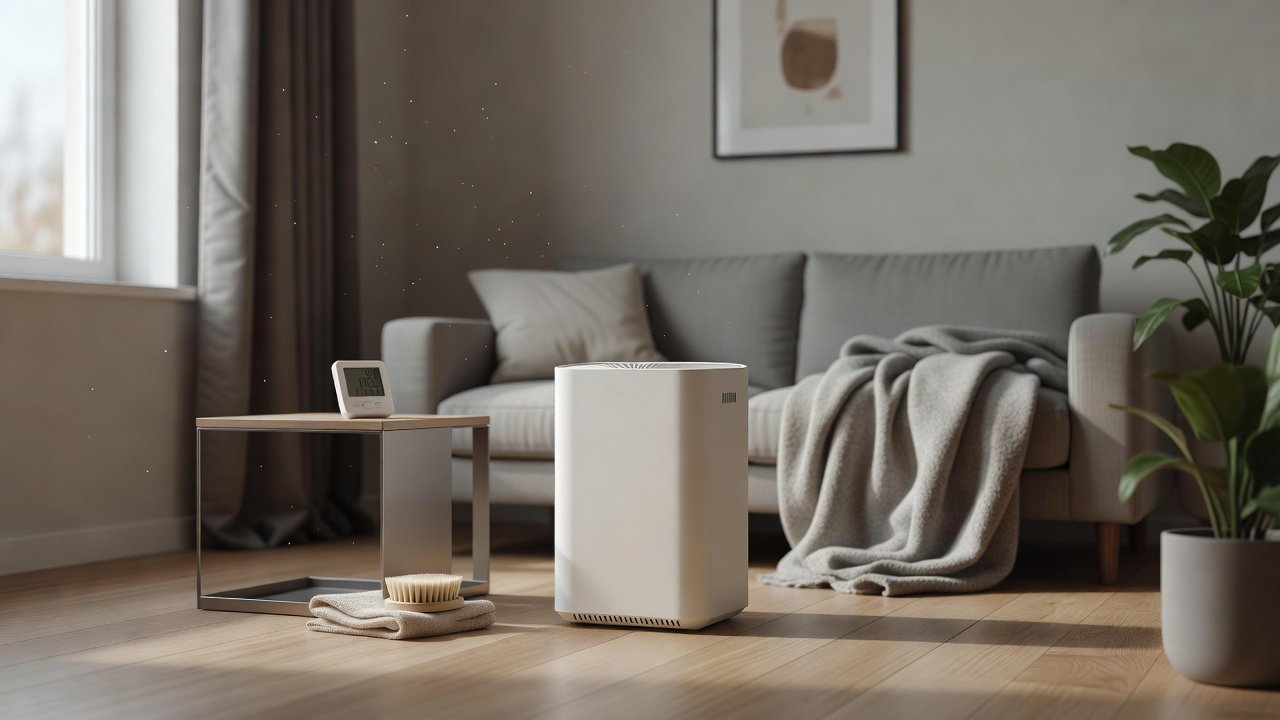
A combined thermometer and hygrometer costs little and tells you whether the room is within range. Place it near the purifier and check it occasionally. Over a season you will see patterns and can plan around them.
A Seasonal Calendar
Spring: check filters after winter and before pollen. Summer: watch heat and smoke. Autumn: check for dust and leaf mold. Winter: manage dryness and static. Add reminders for each season, and adjust to your climate.
How Temperature Affects Filter Materials
Heat can dry out adhesives and gaskets and speed the aging of plastics and foams. Cold can make some materials stiff and brittle. HEPA media itself is fairly robust, but the frame, seals and carbon granules depend on stable conditions. Repeated swings between hot and cold, and between dry and damp, shorten filter life, which is one more reason to keep the unit and spares in a stable indoor space.
Condensation: The Hidden Risk
When a cold unit meets warm, humid air, water can condense on and inside it. That moisture can reach circuit boards, the fan and the filters. The safest approach is patience: bring the unit into the room, leave it unplugged and let it reach room temperature and dry out before you power it. If you see droplets, wipe the outside and wait longer.
Packing and Shipping in Extreme Weather
If you ship or transport a purifier in hot or freezing weather, avoid leaving it in a vehicle or on a porch. Use the original box and packing. When it arrives, let it adjust to room temperature before unpacking and running it. Keep the receipt and photos if the unit looks damaged.
Homes Without Air Conditioning or Heating
In homes with large indoor swings, place the unit in the most stable room, usually an inner room away from direct sun. Use fans and shading to keep temperatures down. In cold climates, keep the unit away from drafty doors and windows. A stable spot extends the life of the unit.
Planning for Outages and Emergencies
In a heat wave or storm season, plan for power outages. Keep spare filters and the manual together, know how to reset the unit after an outage and keep a battery or alternate ventilation plan if air quality is poor. After an outage, check that the settings returned correctly.
Using an Indoor Thermometer for Planning
Check the room temperature in the place you plan to put the purifier at different times of day. A reading near the top or bottom of the unit’s stated range is a warning that you may need another location. Note seasonal patterns and review them each year. A small thermometer is cheaper than a repair.
Air Purifiers to Consider for Home Use
Most purifiers are meant for ordinary indoor conditions. If you need one for a challenging space, check the manufacturer’s stated operating range first. These picks come from the Hostinger affiliate plugin. Specs change by model year, so confirm temperature limits, CADR and replacement costs on the product page.






Find Your Unit’s Operating Range
Most manuals list a temperature and humidity range for operation and storage, for example a window of comfortable room temperatures and a maximum relative humidity. Outside that range the electronics, the fan and the filters may not perform as intended, and the warranty may not cover problems. Look up the numbers for your model.
Heat: Garages, Attics and Sunny Windows
Heat can warp plastic, dry out gaskets, shorten the life of the motor and damage electronics. Keep the unit out of direct sun and away from heaters. Do not leave it in a hot car or an attic. In a hot garage, run it only within the stated range and check for unusual smells or hot casing. Leave clearance for cooling airflow.
Cold: Unheated Rooms and Winter Storage
Cold can make plastics brittle and can cause condensation when a cold unit is brought into a warm room. If your unit has been in the cold, leave it unplugged in a warm, dry room for several hours, longer if it feels cold or damp, before turning it on. Check for moisture inside the filter area first.
Humidity and Condensation
High humidity can load filters with moisture, encourage mold and cause condensation on cool surfaces. Keep relative humidity in a moderate range of 30 to 50 percent when you can. Do not place a purifier in a bathroom or beside a steamy shower. Replace damp filters and let the unit dry before use.
Seasonal Filter Checks
Extreme conditions often coincide with dust, smoke or pollen seasons. Check the pre-filter and main filters before and after such periods. Keep spare filters sealed in a cool, dry place. Clean and dry the unit before storing it and keep it in its box away from temperature extremes.
Wildfire Smoke and Heat Waves
Hot weather and smoke often arrive together. Close windows, run the purifier within its range and keep the room as cool as you can with fans or air conditioning. Check the pre-filter often in smoky conditions. Avoid placing the unit where it overheats, and keep cords and vents clear.
Winter Dryness, Static and Heating
Heating dries the air, which raises static and dust. Keep humidity in a comfortable range, keep the unit away from radiators and vents and clean the pre-filter regularly. If you use a humidifier, keep it separate from the purifier and clean it as its manual says.
Moving a Unit Between Rooms or Seasons
If you carry a purifier between floors or from a hot room to a cool one, let it equalize before running it. Check the cord, plug and filters. Keep it upright and avoid knocks. Store the original box if you plan to move the unit often.
Power Quality in Extreme Weather
Storms and heat waves can cause outages and surges. Use a surge protector if the manual allows it, and unplug the unit in severe storms. After an outage, check the settings and filter condition. If the unit trips breakers or shuts off repeatedly, stop using it and contact the manufacturer.
When a Different Location Is Better
If your chosen space is too hot, cold or damp, move the unit to a more stable room or fix the conditions with ventilation, insulation or dehumidification. A purifier placed outside its range can fail early and costs more in the long run.
How to Choose
- Check the stated operating temperature and humidity range
- Match the CADR to the room size
- Prefer a washable pre-filter
- Compare filter costs and availability
Do
- Match the unit’s rated coverage to your room first
- Run it consistently, not only when the air feels bad
- Leave space around the unit for airflow
- Replace filters on the maker’s schedule
Don’t
- Do not buy on looks or price alone
- Do not block the intake or exhaust
- Do not skip filter changes
- Do not expect a purifier to fix every source of pollution
Honest Limits
- This guide uses manufacturer information and public guidance from the EPA and AHAM, not our own lab tests.
- Features and room ratings change between model years, so confirm on the listing before you buy.
- A purifier is not a medical device and does not replace medical advice or treatment.
Who Should Skip This
When to See a Professional
Frequently Asked Questions
Can I run an air purifier in a garage?
Only within the stated operating range, and keep it away from fuel and solvents. Check the manual.
What if the unit was in the cold?
Let it warm up and dry for several hours before turning it on.
Does humidity harm a purifier?
High humidity can load filters with moisture and encourage mold. Aim for 30 to 50 percent.
How should I store a purifier?
Clean and dry it, remove used filters and keep it in its box in a cool, dry place.
Bottom Line
Keep your air purifier within the temperature and humidity range in its manual. Avoid direct sun, hot cars, freezing sheds and damp rooms, let a cold unit warm up before use and replace damp filters. Clean and dry the unit before storage and keep spare filters sealed.
Related reading: sens,fan,bed
Sources: EPA, Guide to Air Cleaners in the Home; AHAM Verifide.