Last updated:
Disclosure: As an Amazon Associate we earn from qualifying purchases. This does not change what we recommend. See our affiliate disclaimer.
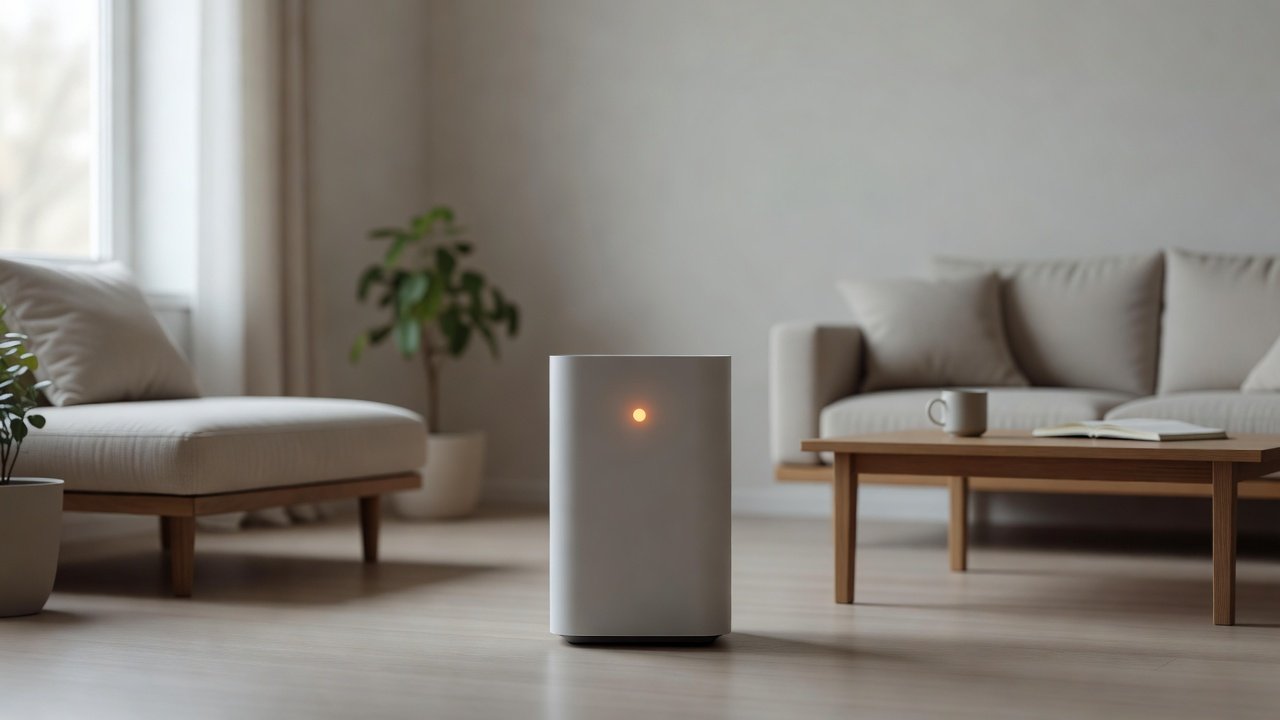
Many air purifiers use color-coded lights to show air quality or status. Blue or green often means good air, yellow, amber or orange moderate or fair air, and red poor air. But colors vary by brand and model, and the same color can also be used for filter reminders, sensor issues or mode indicators. The first step is to check your manual or the manufacturer’s support page to see what orange means for your specific unit, then look at filters, sensors and the room.
We have not tested these products ourselves, so follow your manual. Nothing here is medical advice.
Often means
- Moderate air quality reading
- Filter reminder
- Auto mode working
Check
- Dirty sensor
- Clogged pre-filter
- Source such as cooking or smoke
Key Takeaways
- Light colors vary by model, so check the manual
- Orange often means moderate air quality or a reminder
- Clean the sensor and pre-filter
- Replace filters on schedule
How to Clean the Sensor Safely
Unplug the unit before cleaning. Locate the sensor opening, which is often a small grille or window on the side or back. Use a dry cotton swab or a soft brush to remove dust. Avoid liquids and compressed air unless the manual allows them. Reassemble, plug the unit in and let it run for a few minutes. If the light changes to the expected color in clean air, the sensor was likely dirty. Clean the sensor regularly, especially in dusty or pet homes. Keep a note of the date so you can see how often it needs cleaning. If the problem persists, check the manual for other steps.
Testing the Sensor Yourself
Compare readings before and after cooking, spraying a small amount of aerosol away from the unit or opening a window. A sensor that never changes may be faulty. Use these tests only as a rough check.
Comparing Brands and Indicators
Different manufacturers use different thresholds. Do not compare colors between brands. Use trends, not single readings.
Pre-Filter and Airflow
A clogged pre-filter reduces airflow and can keep readings high. Clean or replace it as directed.
Room Factors
Open windows, nearby traffic, cooking and cleaning raise particles. Check the room and ventilate.
Warranty and Support
Keep your serial number, describe the light behavior and ask support to confirm what each color means.
Choosing a Unit With Clear Indicators
If indicators confuse you, look for models with a numeric display or app and clear documentation.
Understanding Air Quality Indicators and What They Measure
Most consumer purifiers use a small optical sensor that estimates the concentration of fine particles. The unit converts the reading into colors or numbers. These sensors can respond to dust, smoke, cooking fumes, aerosols and humidity, and they are affected by dust on the sensor itself. They are useful for seeing trends, such as how the reading rises when you cook and falls when the unit runs, but they are not precise instruments and they do not identify specific allergens or gases. If your light changes with obvious events such as cooking or cleaning, the sensor is likely working. If it stays orange or red in a clean room even after cleaning the sensor, ask the manufacturer for guidance.
What to Do When the Room Is Truly Dusty
If the light is orange because the room really has elevated particles, run the unit on a higher speed, close windows, damp-wipe surfaces and avoid stirring dust with dry sweeping. Check for sources such as pets, smoke and cooking. Ventilate if outdoor air is clean.
Using Apps and Displays
Some units show numeric readings or app graphs. Use them to learn how your home behaves and to time filter changes. Do not obsess over single readings.
Filter Reminders Versus Air Quality Lights
Some units use separate lights for filters and air quality. If you see an orange filter icon, follow the manual to replace and reset. Check the model’s guide to avoid confusing the two.
When to Replace the Unit Instead
If the indicator is erratic, the unit is several years old and filters or sensors are discontinued, replacement may be sensible. Compare warranty terms and support and choose a model with clear documentation and a sensor you can clean. Keep the old unit’s manual and notes so you can compare settings. Recycle old electronics where available and do not dispose of them in household trash if local rules say otherwise. Check the new unit’s indicator guide before you rely on its colors.
Quick Reference Checklist
Check the manual for the meaning of orange, clean the pre-filter and sensor, replace filters on schedule, reset the filter indicator, ventilate and check for sources such as cooking, smoke or pets. If nothing changes, contact support with your model and serial number and a short video of the light behavior.
Quick Reference
Orange on most models means moderate air quality: cooking, cleaning, or dust has raised readings and the unit is working. If it stays orange in a clean closed room, clean the sensor opening, move the unit away from the kitchen and sprays, and compare with a particle monitor. An orange filter icon is a reminder, not a reading.
Air Purifiers With Clear Indicators
If troubleshooting does not solve the problem, you may prefer to replace the unit. These picks come from the Hostinger affiliate plugin. Specs change by model year, so confirm filter type, CADR, noise and replacement filter costs on the product page.






Color Codes Are Not Universal
Some units use blue, green, yellow and red. Others use amber or orange for a mid-level reading. Some use a color to show filter status. Always check the manual because the same color can mean different things.
Orange for Air Quality
If orange represents moderate particle levels, the unit is detecting more particles than in clean air. Common causes are cooking, dust, pets, smoke or recent cleaning. Run the unit and see if the light changes.
Orange for Filter or Maintenance
On some models orange signals that the filter should be checked or replaced. Check the pre-filter, clean it if washable and replace the main filter on schedule. Reset the filter indicator if the manual says so.
Dirty Sensors
Dust on the particle sensor can cause false readings. Clean the sensor opening with a dry cotton swab or soft brush as directed in the manual.
When the Light Stays Orange
If the light remains orange after cleaning and filter changes, check the manual for reset or troubleshooting steps. Contact the manufacturer if you suspect a faulty sensor.
Auto Mode and Sensors
In auto mode, the unit adjusts speed based on sensor readings. A fluctuating light can be normal as air changes. Sensors are indicators, not precise measurements.
Cooking, Cleaning and Smoke
Particle spikes follow cooking, cleaning, candles and smoke. Ventilate and allow the unit to clear the air.
Resetting the Filter Indicator
After replacing a filter, reset the indicator as the manual describes. If you do not reset it, the light may stay on.
Pets, Dust and Humidity
Pets, dust and high humidity can affect readings. Clean the room and sensor and keep humidity in range.
When to Contact Support
If lights behave strangely, flicker or do not match the room, contact support with the model and serial number.
How to Choose
- Clear air quality indicator
- Filter-change reminder
- Washable pre-filter
- Simple controls
Do
- Match the unit’s rated coverage to your room first
- Run it consistently, not only when the air feels bad
- Leave space around the unit for airflow
- Replace filters on the maker’s schedule
Don’t
- Do not buy on looks or price alone
- Do not block the intake or exhaust
- Do not skip filter changes
- Do not expect a purifier to fix every source of pollution
Honest Limits
- This guide uses manufacturer information and public guidance from the EPA and AHAM, not our own lab tests.
- Features and room ratings change between model years, so confirm on the listing before you buy.
- A purifier is not a medical device and does not replace medical advice or treatment.
Who Should Skip This
When to See a Professional
Frequently Asked Questions
Is orange bad?
Often it means moderate air quality, but check your manual.
Why does it change colors?
Air quality readings change.
Can a dirty sensor cause orange?
Yes.
How do I reset the light?
Follow the manual after replacing filters.
Bottom Line
An orange air purifier light usually reflects moderate air quality or a status reminder, but meaning varies by model. Check the manual, clean the pre-filter and sensor, replace filters on schedule and look for sources such as cooking or smoke.
Related reading: sens,fan,bed
Sources: EPA, Guide to Air Cleaners in the Home; AHAM Verifide.